Murator Design System
Design Sytem Case Study
Design Sytem Case Study
A library of UI components built for Murator to keep the design consistent across web and mobile.

Why I created a Design System?
Why I created a Design System?
Why I created a Design System?
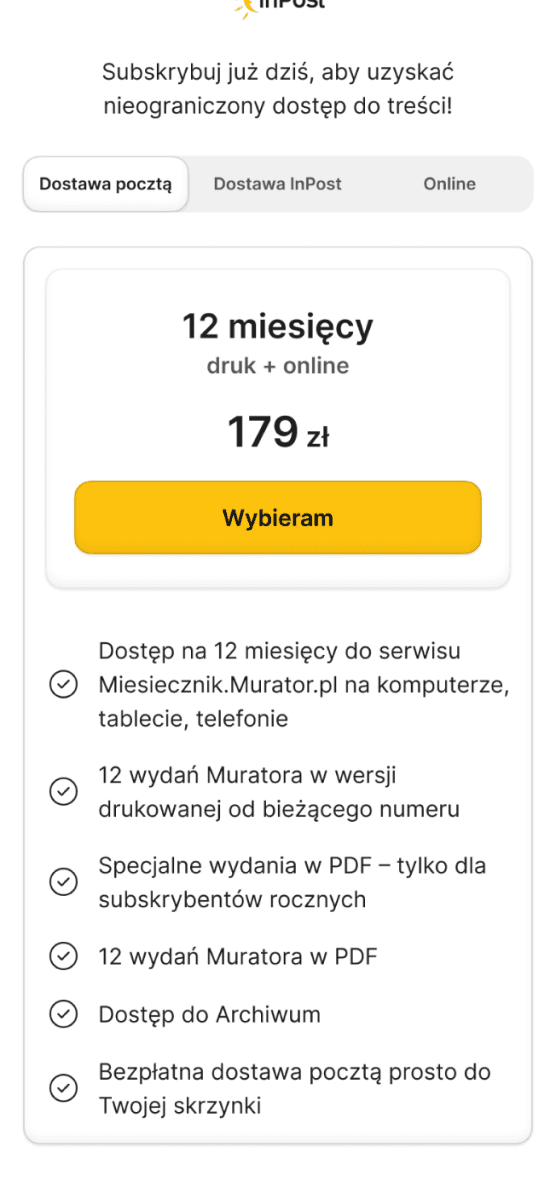
Before this project, the brand lacked a consistent design system. This led to a messy interface and high maintenance costs. I built this library from scratch to make sure every screen looks professional and consistent. This new foundation doesn't just fix the current checkout flow – it serves as a base for all future digital products in the company’s portfolio, making the hand-off to developers much faster.
Before this project, the brand lacked a consistent design system. This led to a messy interface and high maintenance costs. I built this library from scratch to make sure every screen looks professional and consistent. This new foundation doesn't just fix the current checkout flow – it serves as a base for all future digital products in the company’s portfolio, making the hand-off to developers much faster.
Before this project, the brand lacked a consistent design system. This led to a messy interface and high maintenance costs. I built this library from scratch to make sure every screen looks professional and consistent. This new foundation doesn't just fix the current checkout flow – it serves as a base for all future digital products in the company’s portfolio, making the hand-off to developers much faster.


Buttons & Variables
Buttons & Variables
Buttons & Variables
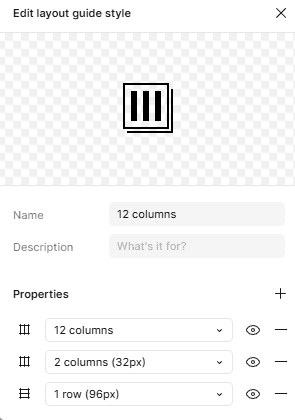
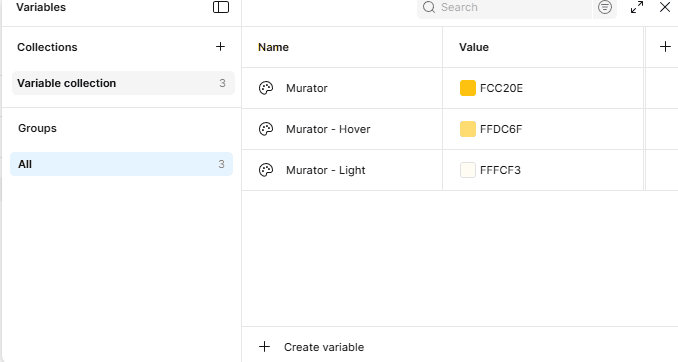
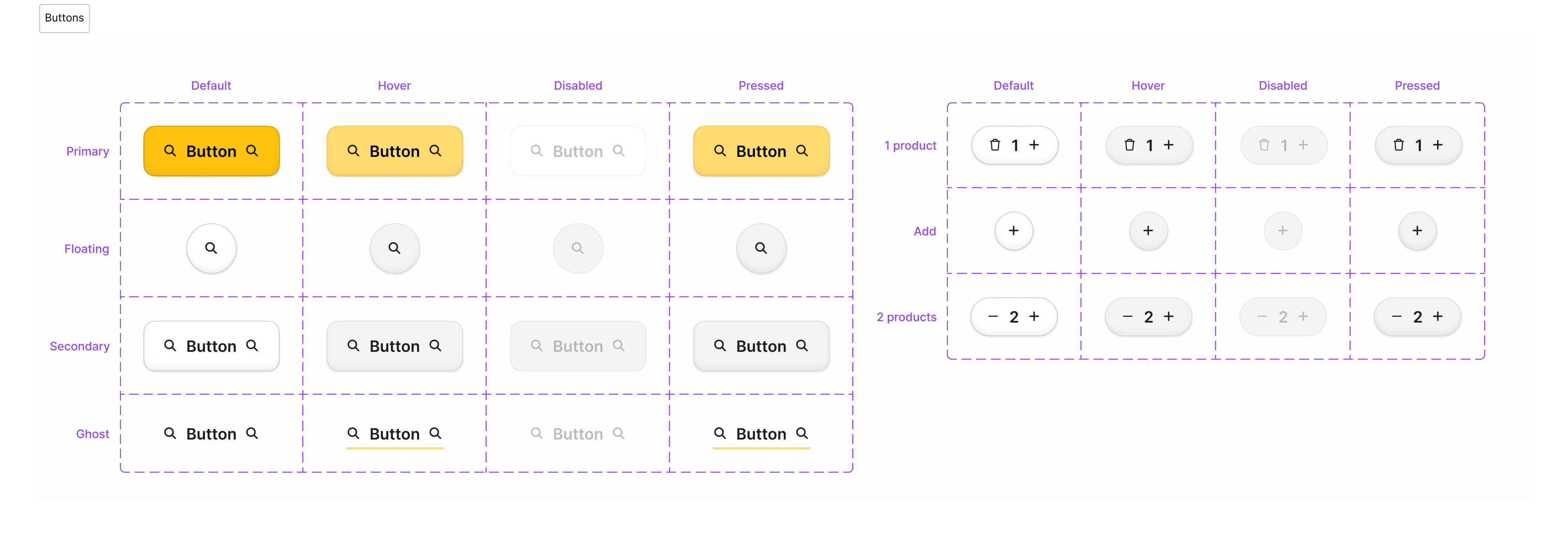
To make the hand-off to developers easier, I set up a clear grid and used variables for everything. Every button is connected to these specific brand tokens. This means we can update the entire interface instantly and keep the look consistent as the company grows.
To make the hand-off to developers easier, I set up a clear grid and used variables for everything. Every button is connected to these specific brand tokens. This means we can update the entire interface instantly and keep the look consistent as the company grows.
To make the hand-off to developers easier, I set up a clear grid and used variables for everything. Every button is connected to these specific brand tokens. This means we can update the entire interface instantly and keep the look consistent as the company grows.
Text fields, Selectors, Tabs
Text fields, Selectors, Tabs
Text fields, Selectors, Tabs
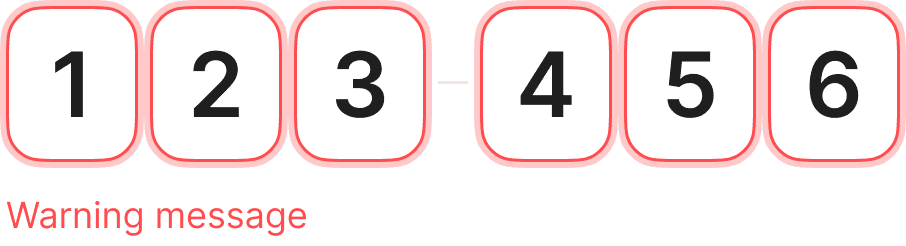
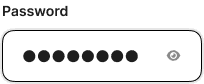
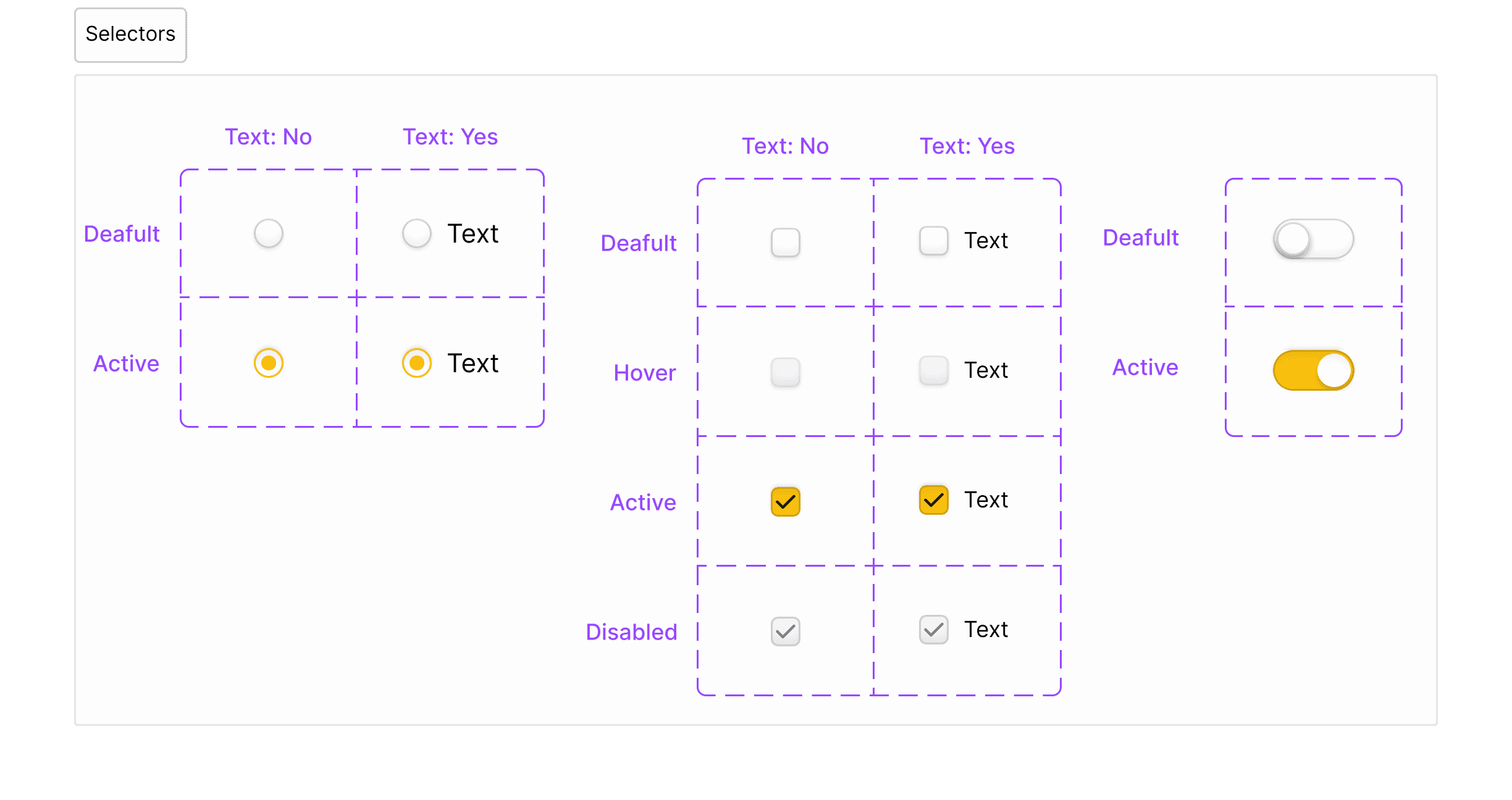
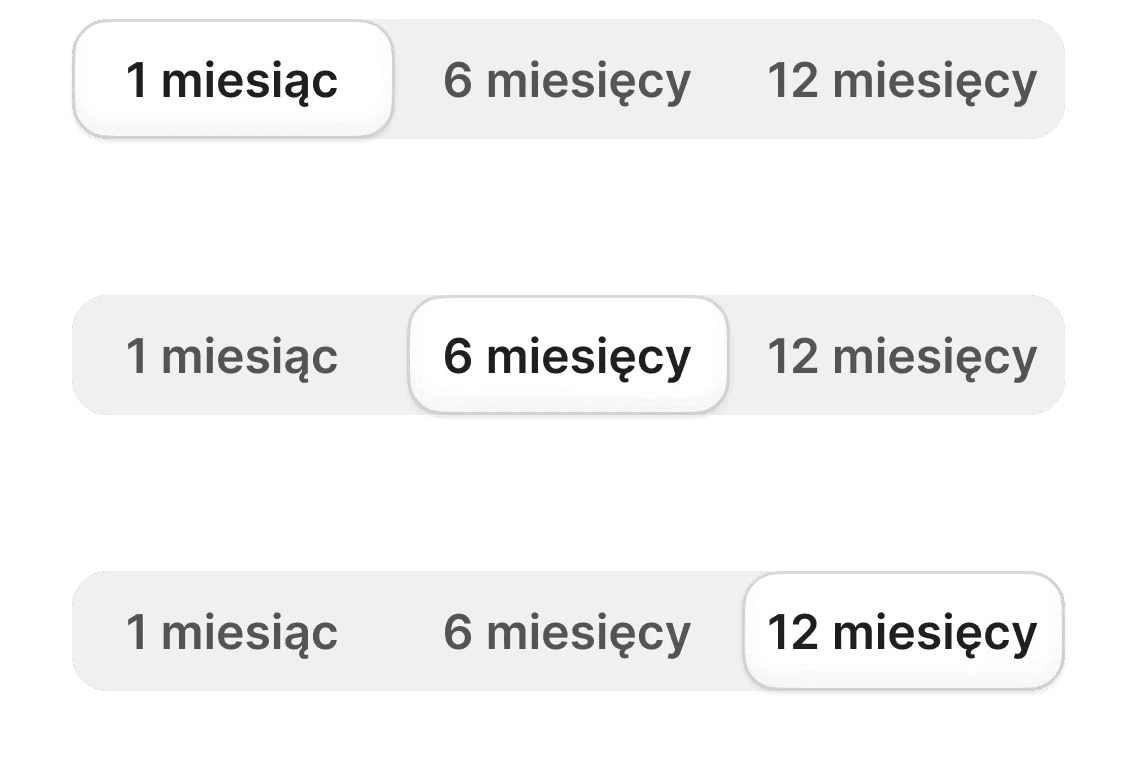
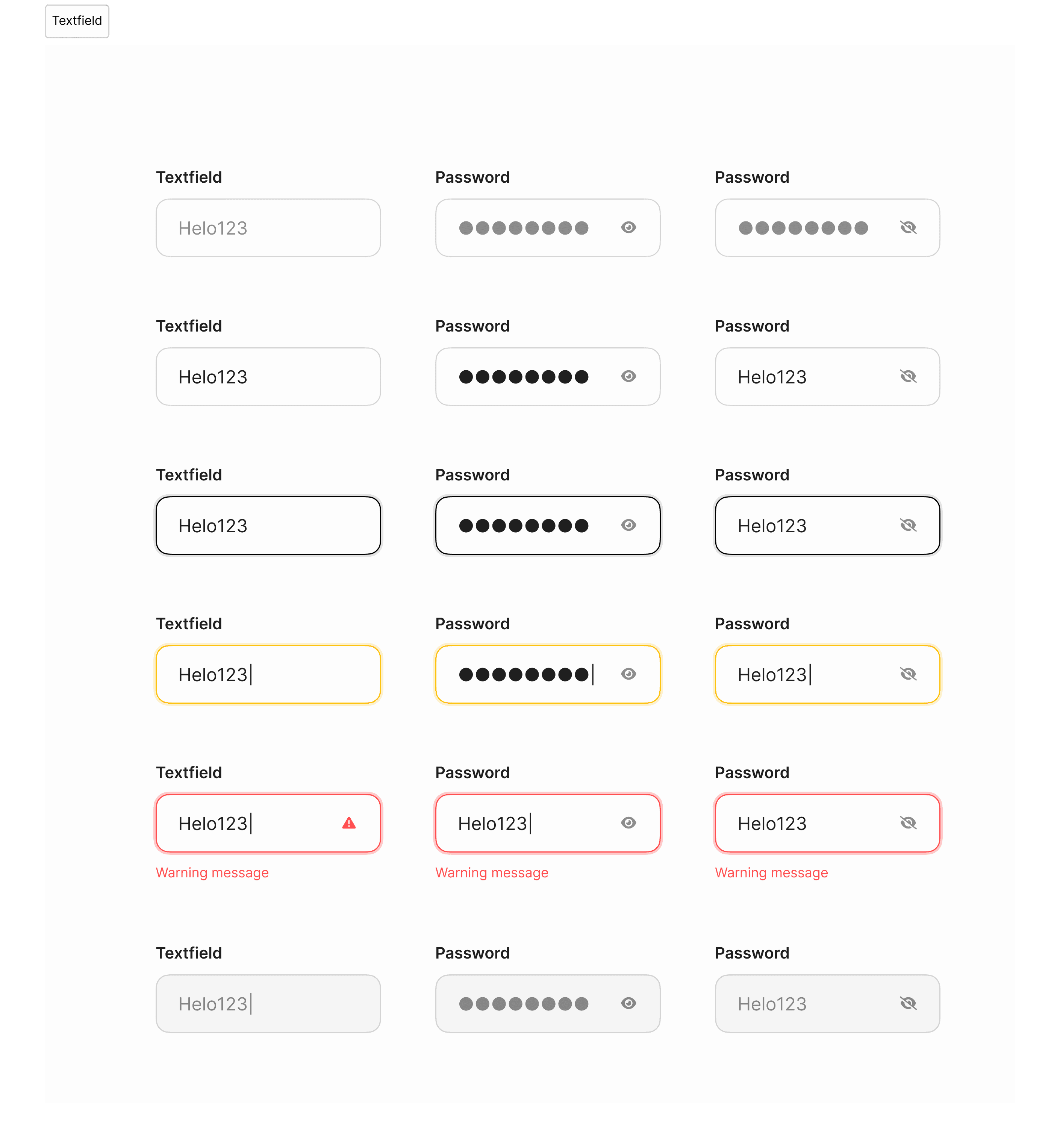
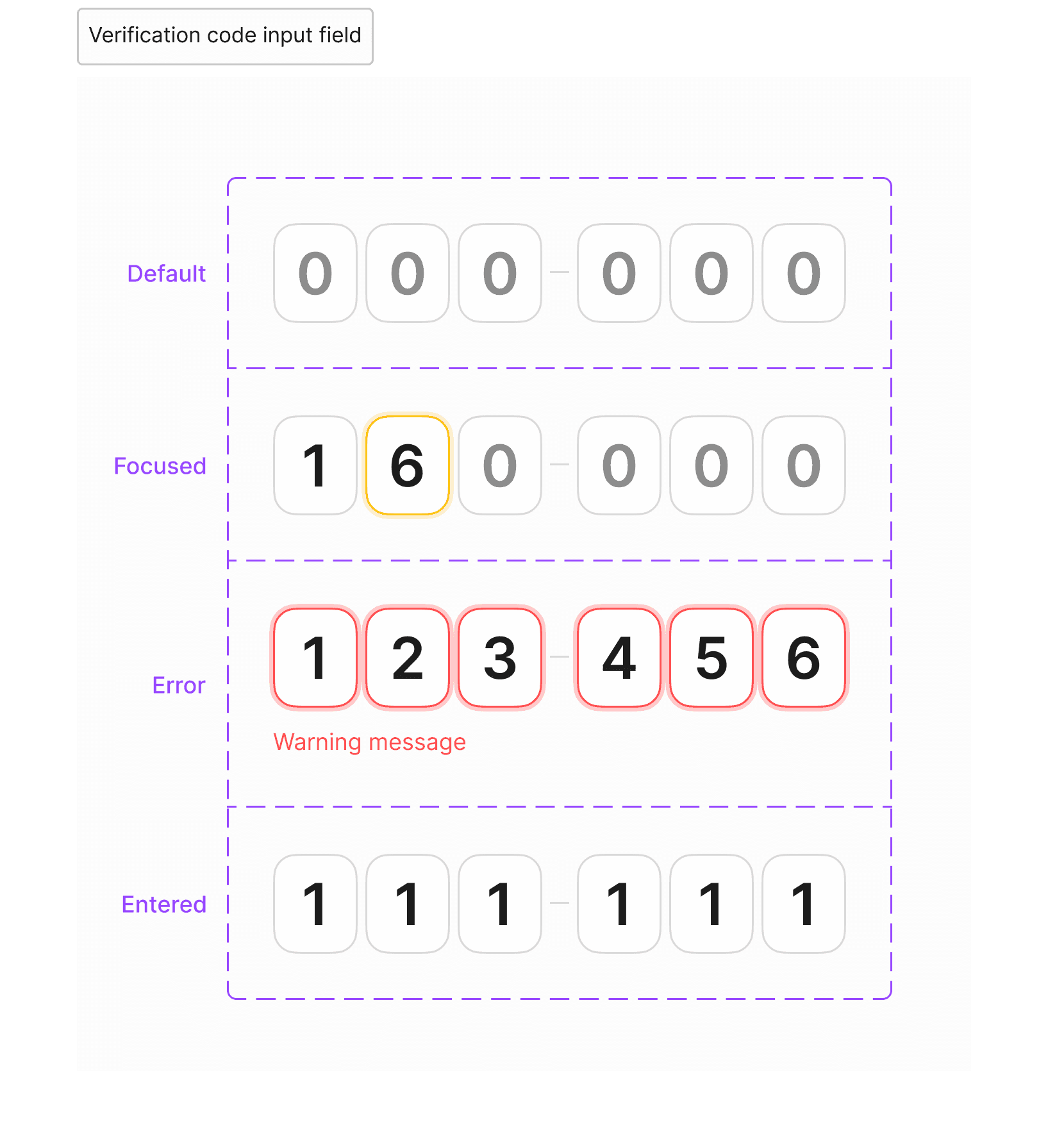
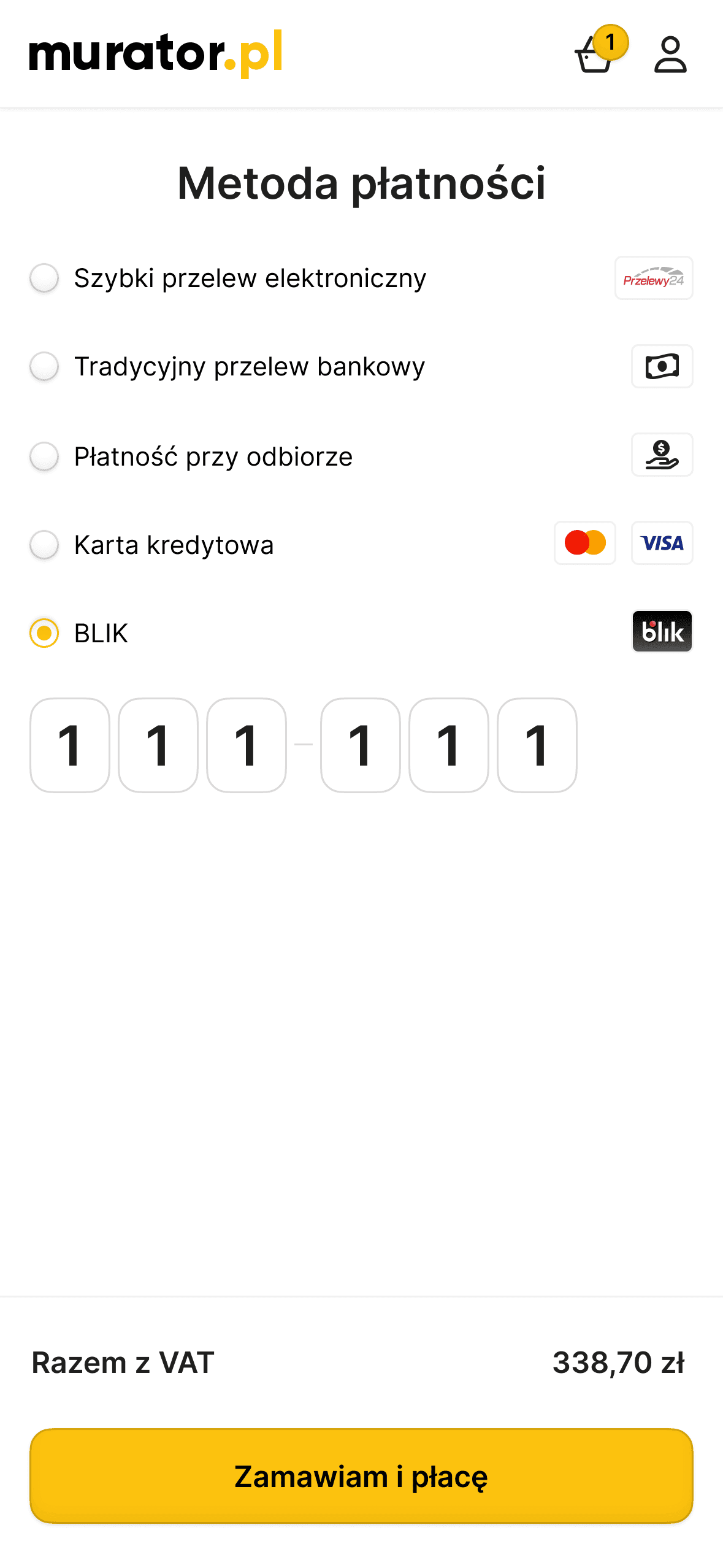
I designed these components to make filling out forms easier. Whether it’s entering a verification code or picking a subscription plan, every element is made to be simple and clear. I focused on helpful error messages and visible states to guide users through the checkout without any confusion.
I designed these components to make filling out forms easier. Whether it’s entering a verification code or picking a subscription plan, every element is made to be simple and clear. I focused on helpful error messages and visible states to guide users through the checkout without any confusion.
I designed these components to make filling out forms easier. Whether it’s entering a verification code or picking a subscription plan, every element is made to be simple and clear. I focused on helpful error messages and visible states to guide users through the checkout without any confusion.
Cards
Cards
Cards
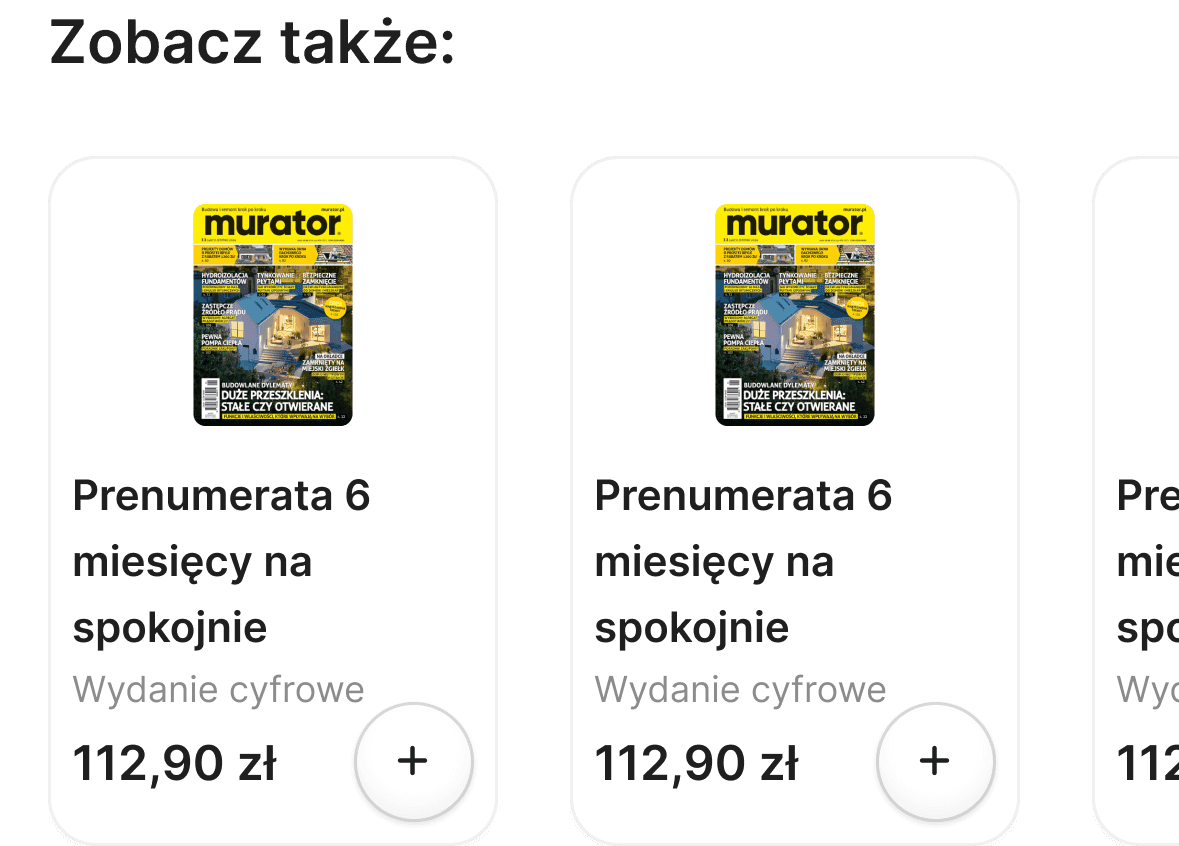
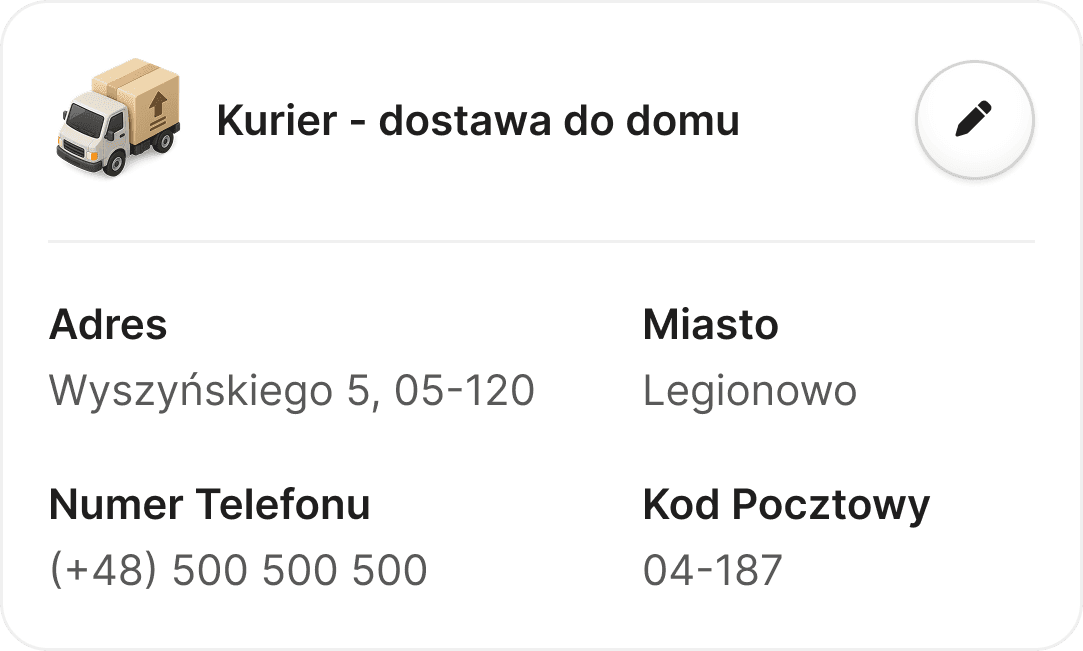
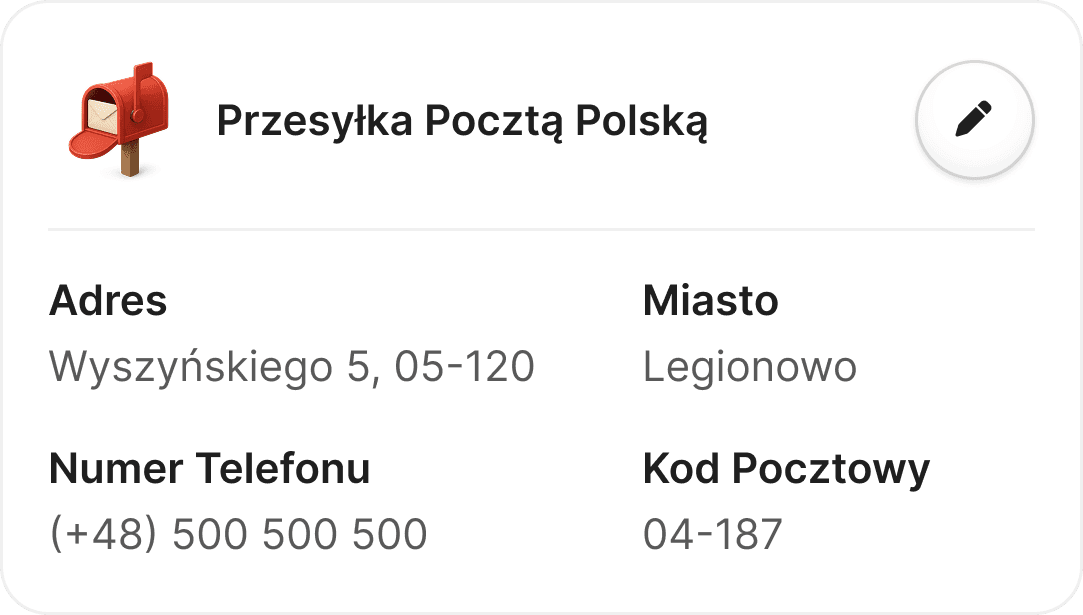
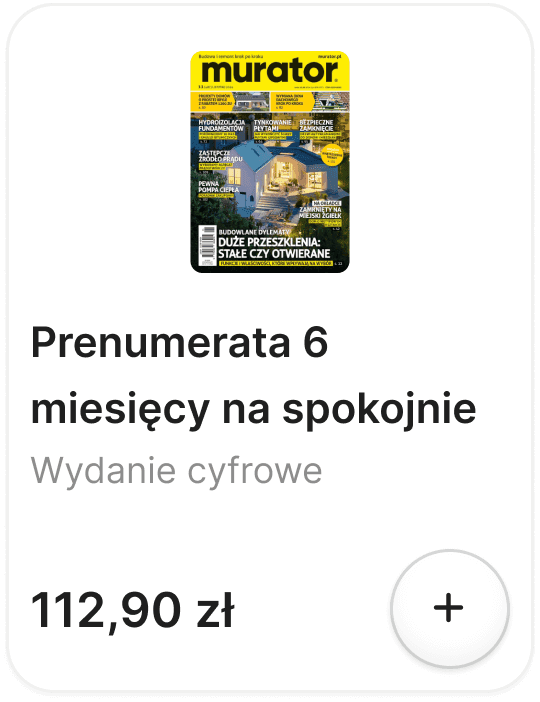
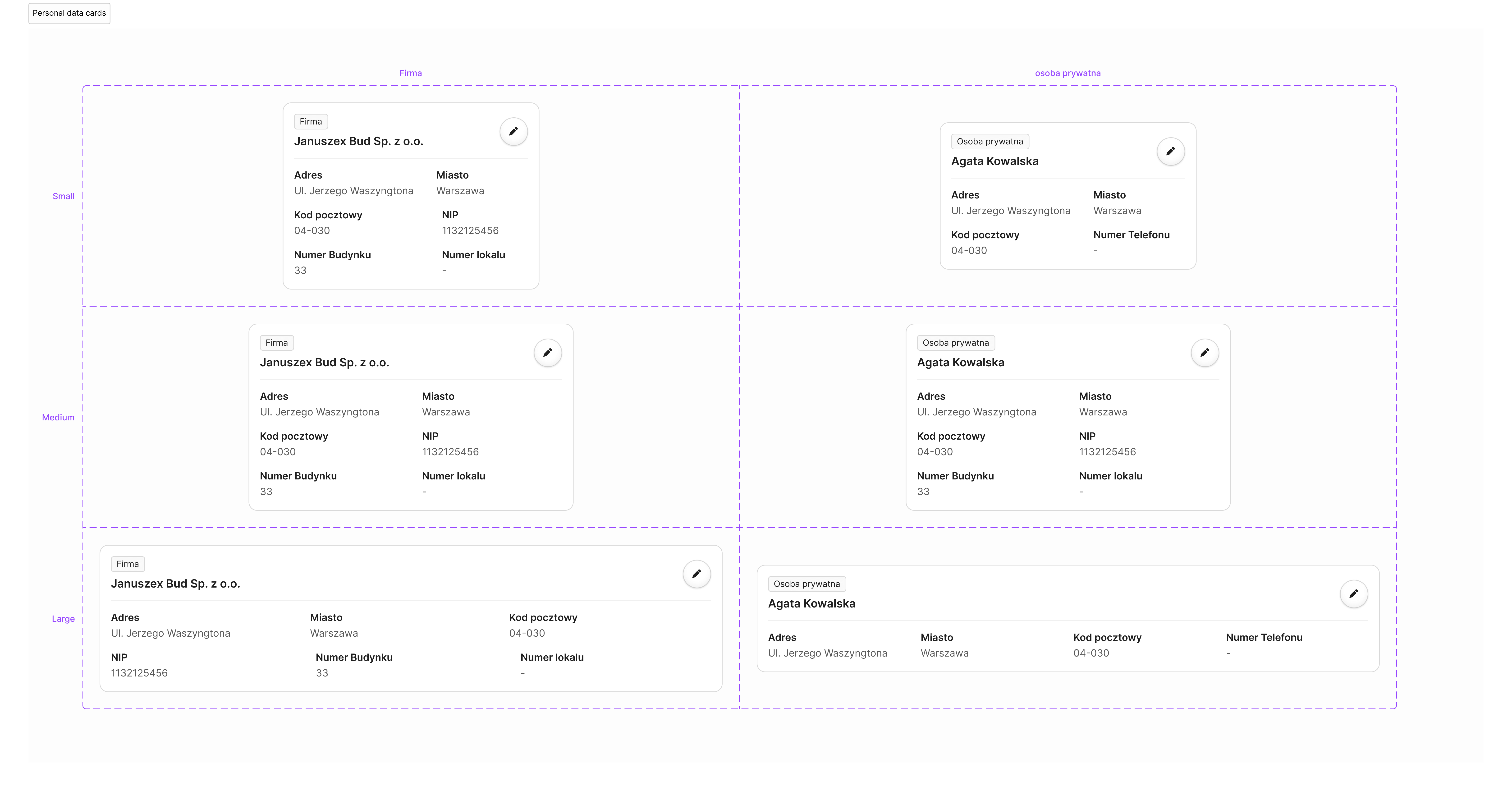
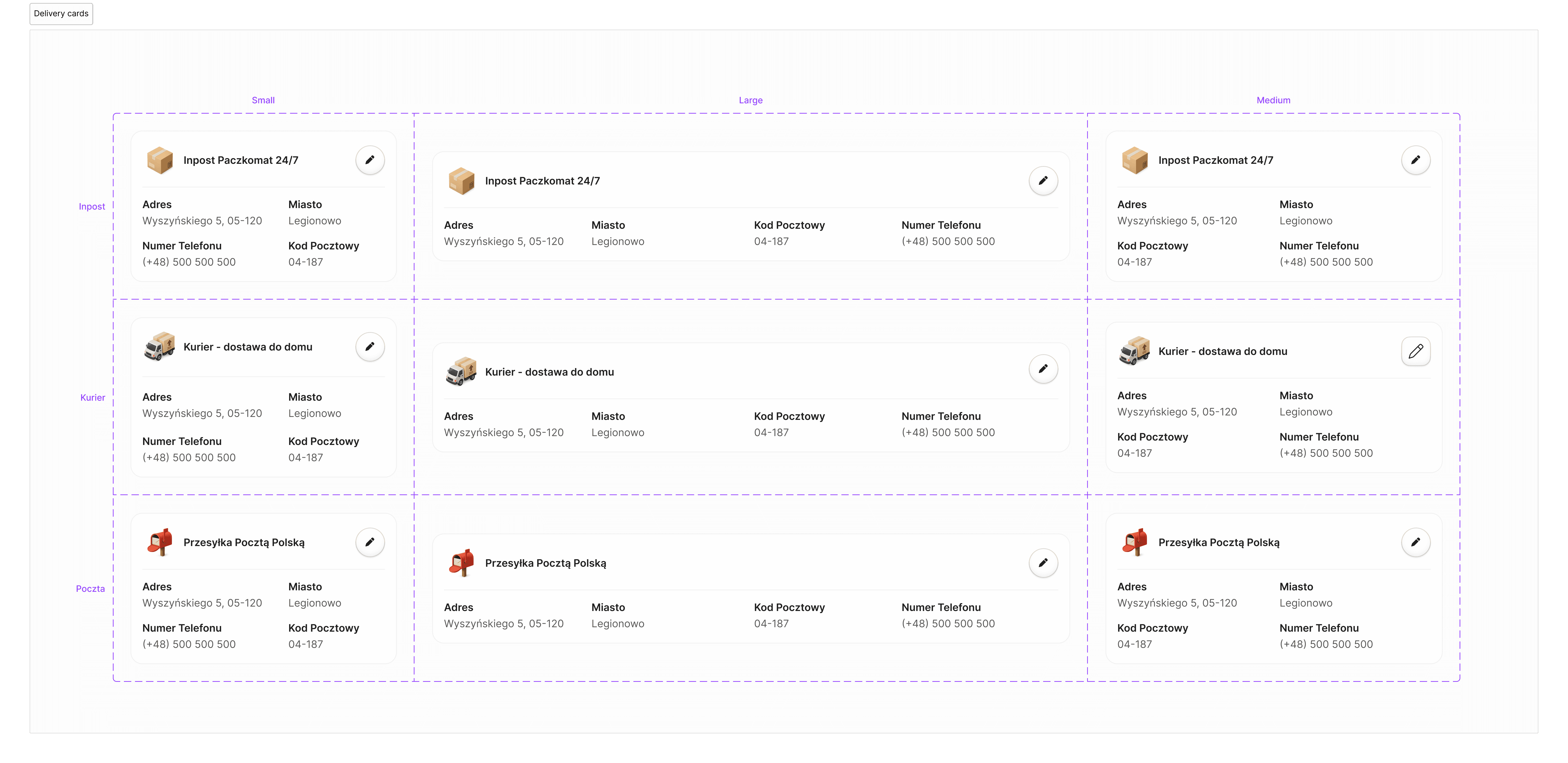
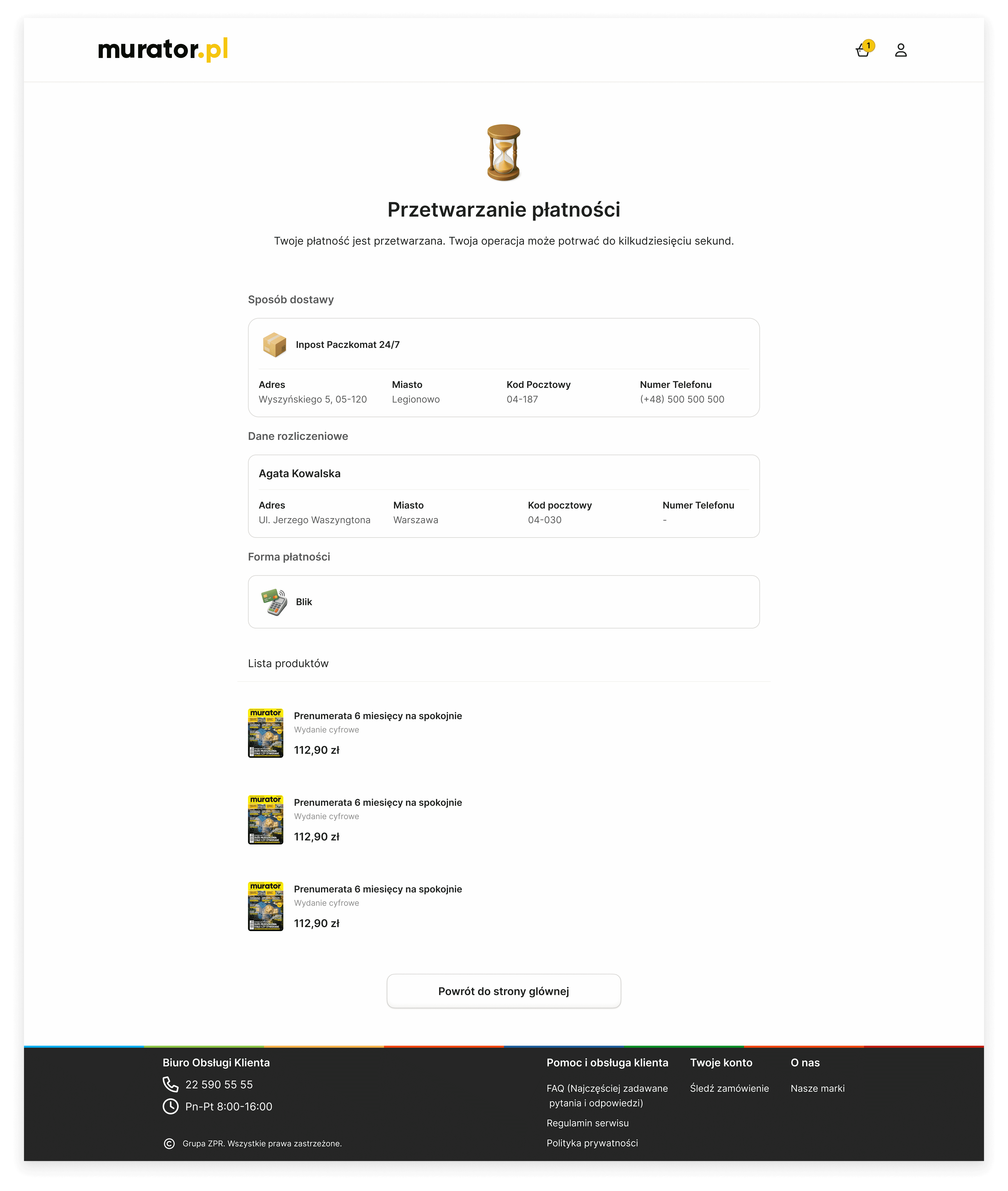
I designed these cards to handle different types of information, from business addresses to delivery methods. They are built on a flexible grid, so they look great and stay readable on any device. By keeping the spacing consistent, I made sure that even complex data is easy for users to scan and understand quickly.
I designed these cards to handle different types of information, from business addresses to delivery methods. They are built on a flexible grid, so they look great and stay readable on any device. By keeping the spacing consistent, I made sure that even complex data is easy for users to scan and understand quickly.
I designed these cards to handle different types of information, from business addresses to delivery methods. They are built on a flexible grid, so they look great and stay readable on any device. By keeping the spacing consistent, I made sure that even complex data is easy for users to scan and understand quickly.
Templates
Templates
Templates
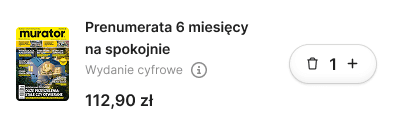
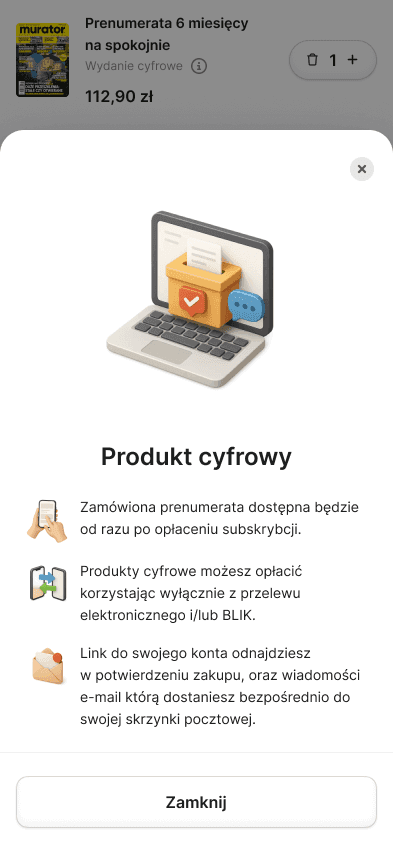
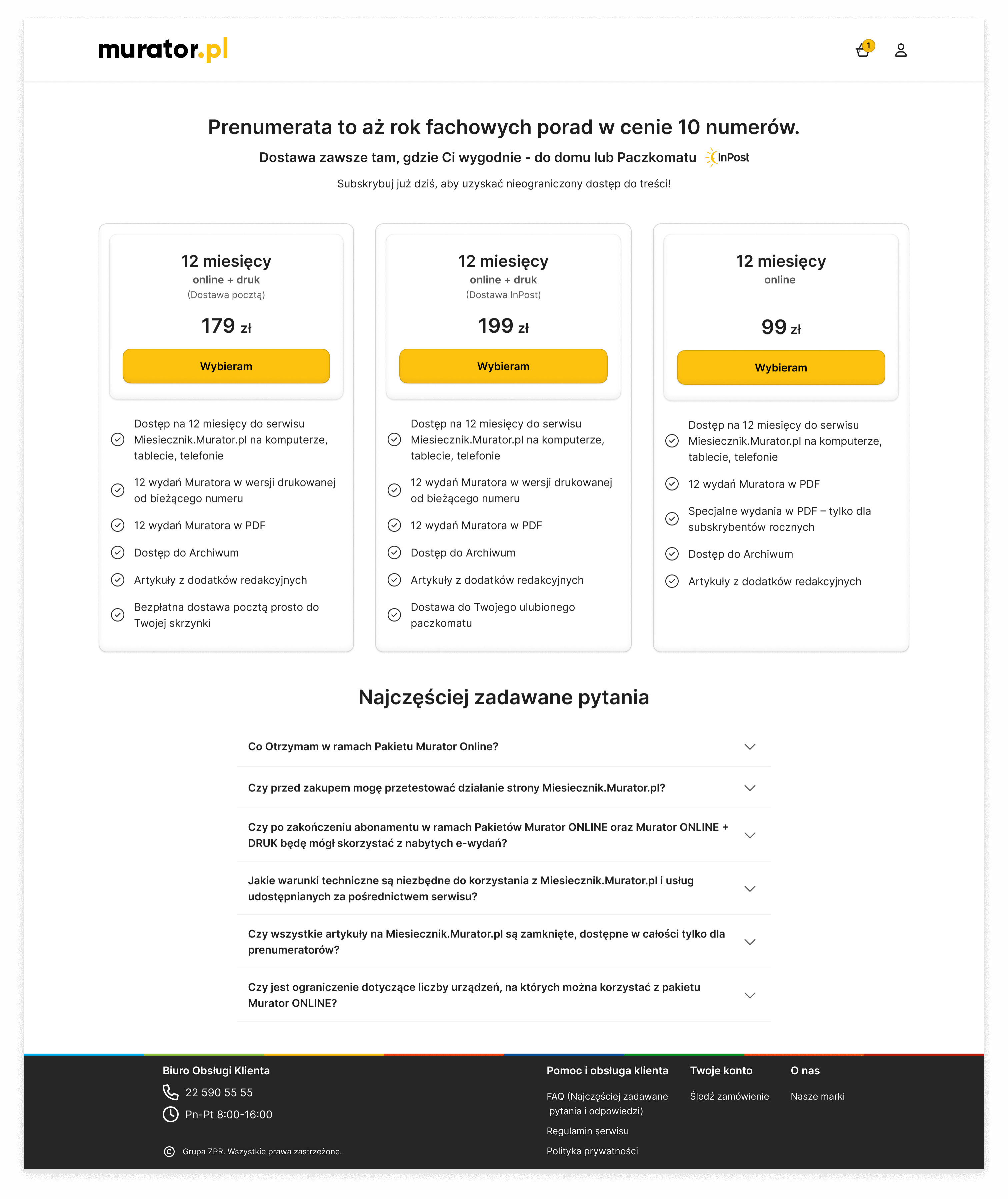
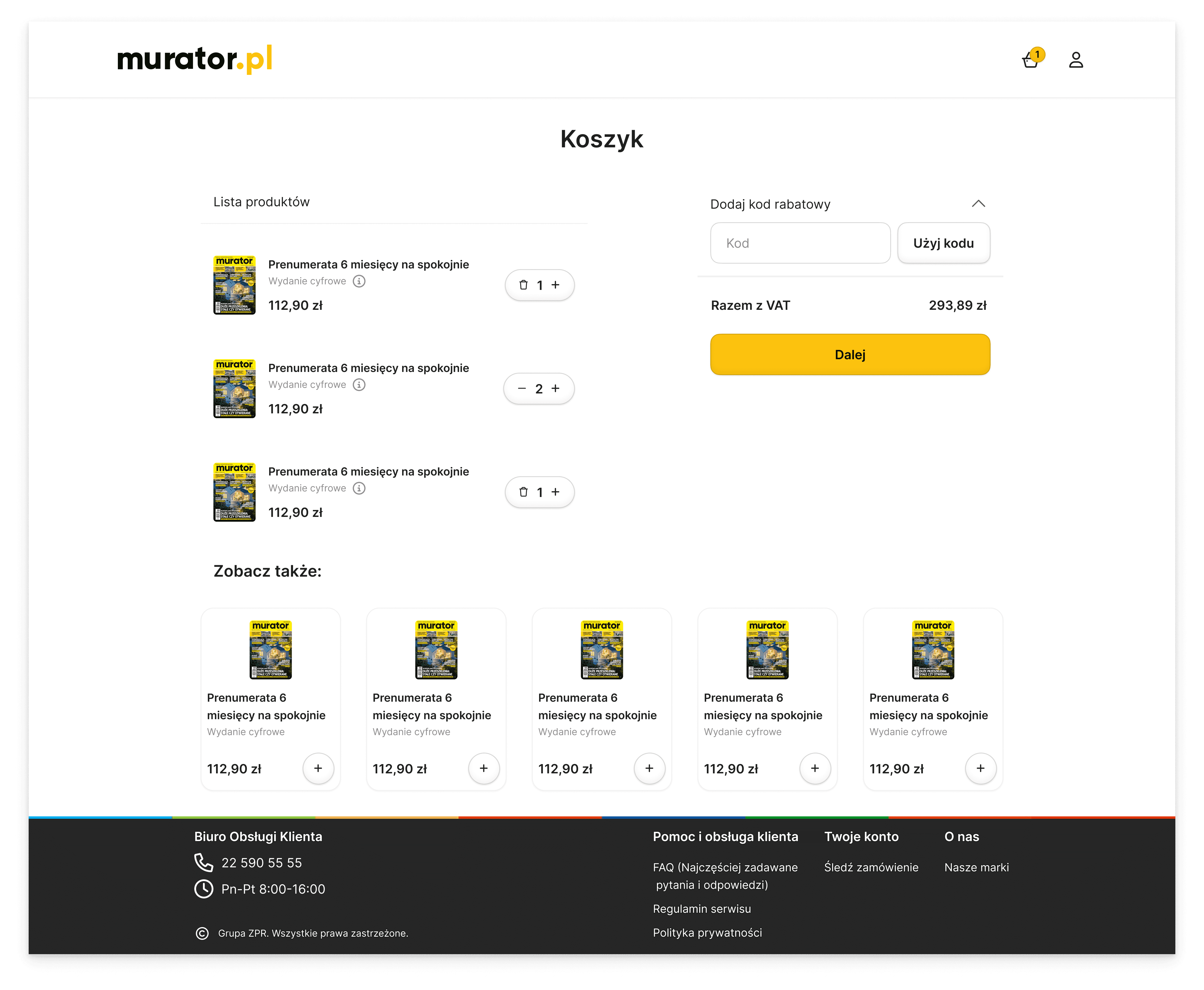
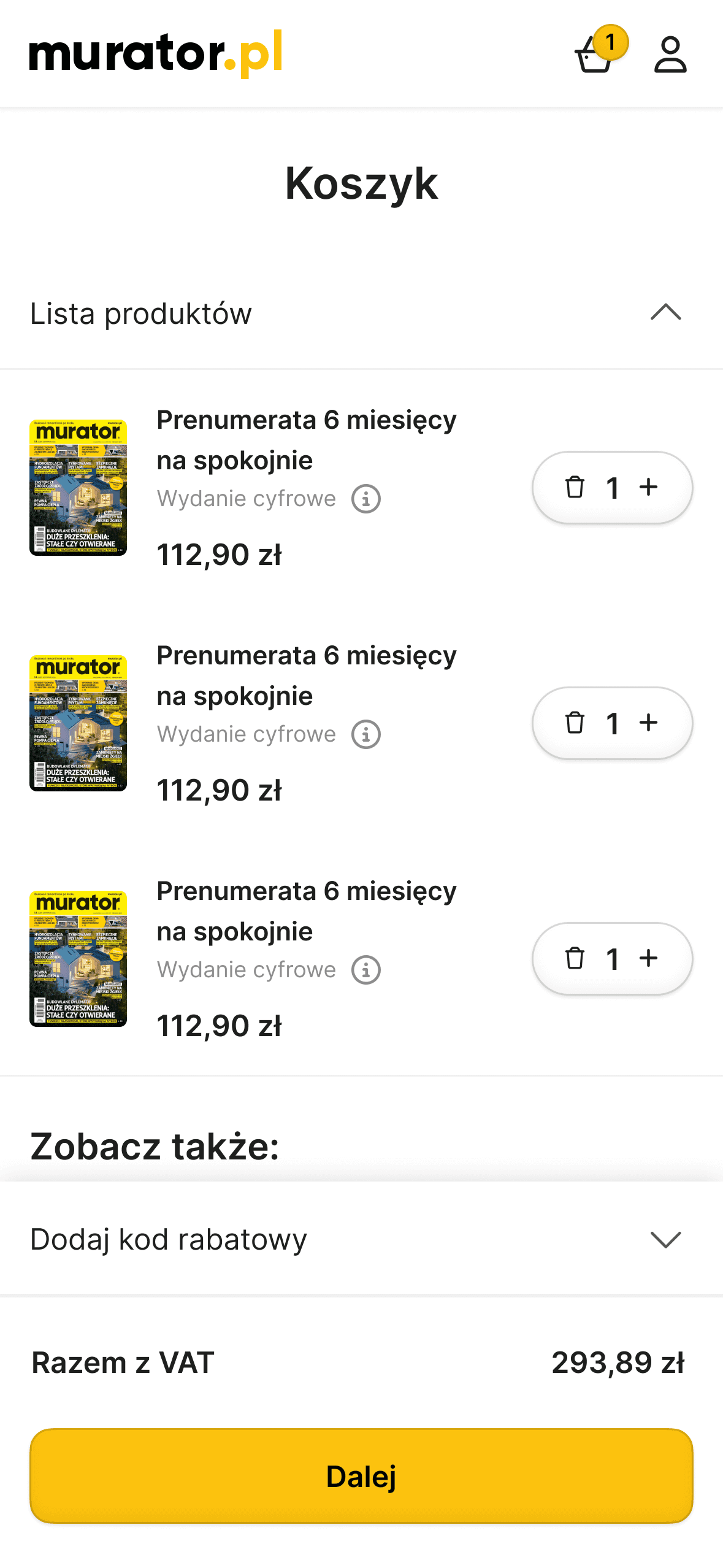
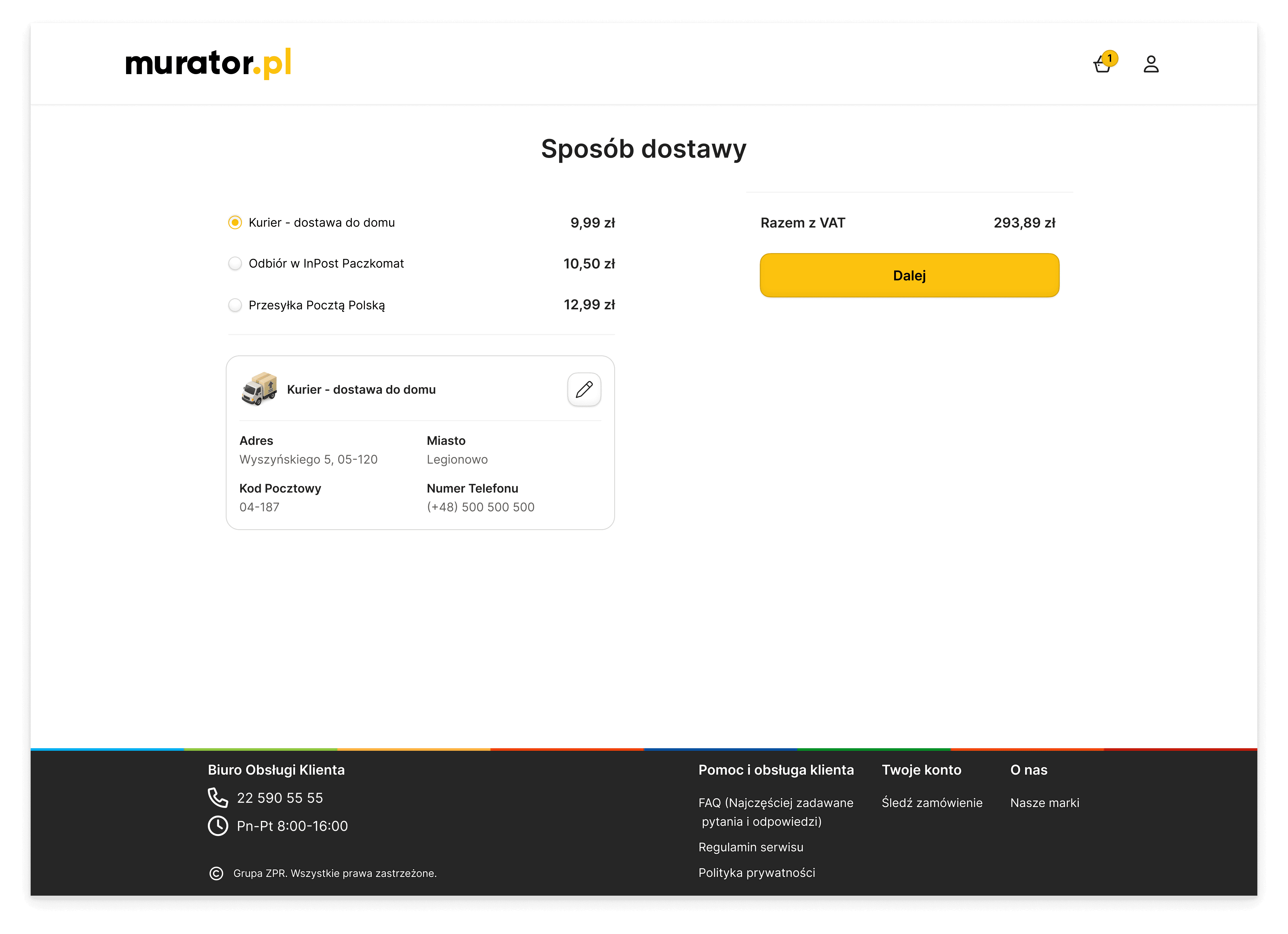
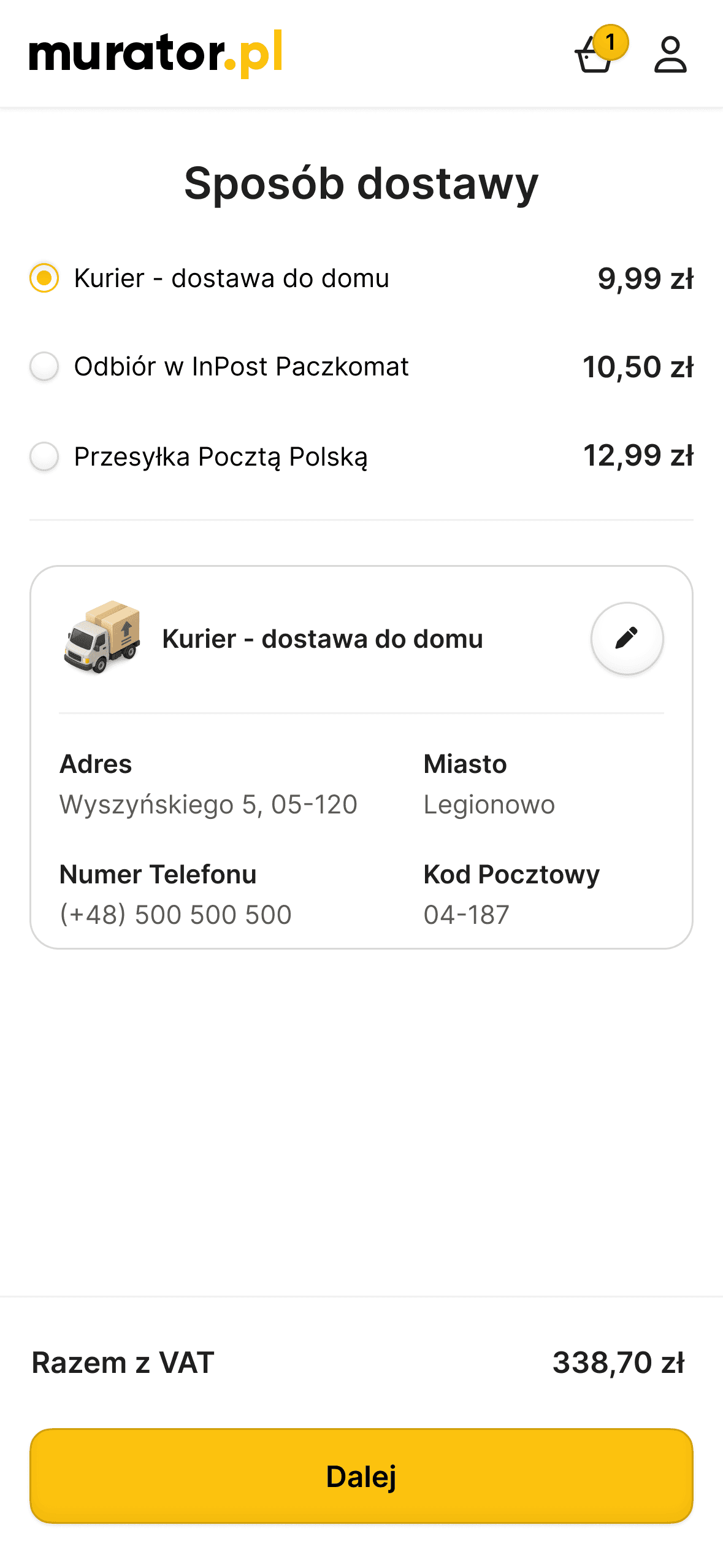
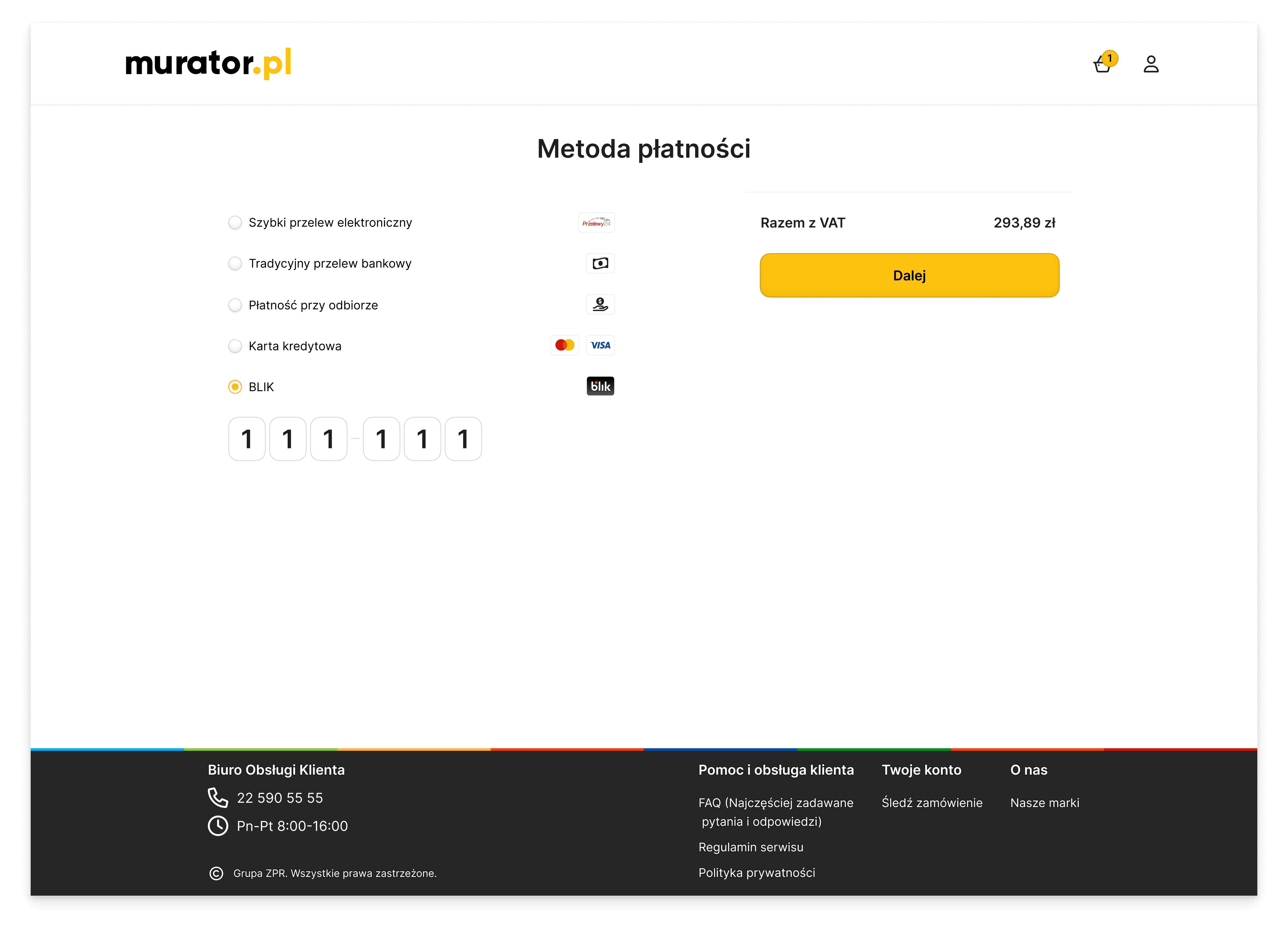
I used the component library to build full page layouts, from the cart view to the order confirmation. By using these ready-made templates, I ensured that every new page stays consistent and works perfectly on all screen sizes. This approach shows how the design system handles real content and complex user data while keeping the interface clean and easy to navigate.
I used the component library to build full page layouts, from the cart view to the order confirmation. By using these ready-made templates, I ensured that every new page stays consistent and works perfectly on all screen sizes. This approach shows how the design system handles real content and complex user data while keeping the interface clean and easy to navigate.
I used the component library to build full page layouts, from the cart view to the order confirmation. By using these ready-made templates, I ensured that every new page stays consistent and works perfectly on all screen sizes. This approach shows how the design system handles real content and complex user data while keeping the interface clean and easy to navigate.


Impact & Scalability
Impact & Scalability
The system's value was proven during the design phase of Architektura, a sister portal with a similar subscription model. Since the foundation was already built, preparing the entire project took just a fraction of the usual time.
The system's value was proven during the design phase of Architektura, a sister portal with a similar subscription model. Since the foundation was already built, preparing the entire project took just a fraction of the usual time.
By simply swapping the design tokens (fonts and colors) and updating the copy, I delivered a complete, consistent design that was immediately ready for development.
By simply swapping the design tokens (fonts and colors) and updating the copy, I delivered a complete, consistent design that was immediately ready for development.