Website 01 of 08

GPW - Audit & IA

GPW is a large financial system with complex data layers. My goal was to show the client where navigation fails by mapping every nested page in FigJam. This audit highlights critical usability errors and structural confusion.

Main Objectives

  • To demonstrate to the client the critical flaws in the current information architecture and the outdated, counter-intuitive navigation patterns across the GPW ecosystem.

  • To provide a detailed visual audit of usability errors and friction points that disrupt the user journey and decrease the overall efficiency of the portal.

My Role

UX/UI Designer

As a UX Designer, I was responsible for mapping the information architecture and conducting a comprehensive structural audit for the GPW Group. My focus was on analyzing existing ecosystems across 8 portals to identify inconsistencies and ensure a scalable foundation for future enhancements.

My Team

GPW

Working in a two-person design unit, I collaborated with a Senior Designer to evaluate complex data structures. I took full ownership of auditing specific segments, ensuring that our combined findings provided a holistic view of the GPW digital landscape.

STEP 1

Information Architecture

  1. 1

    Top Menu

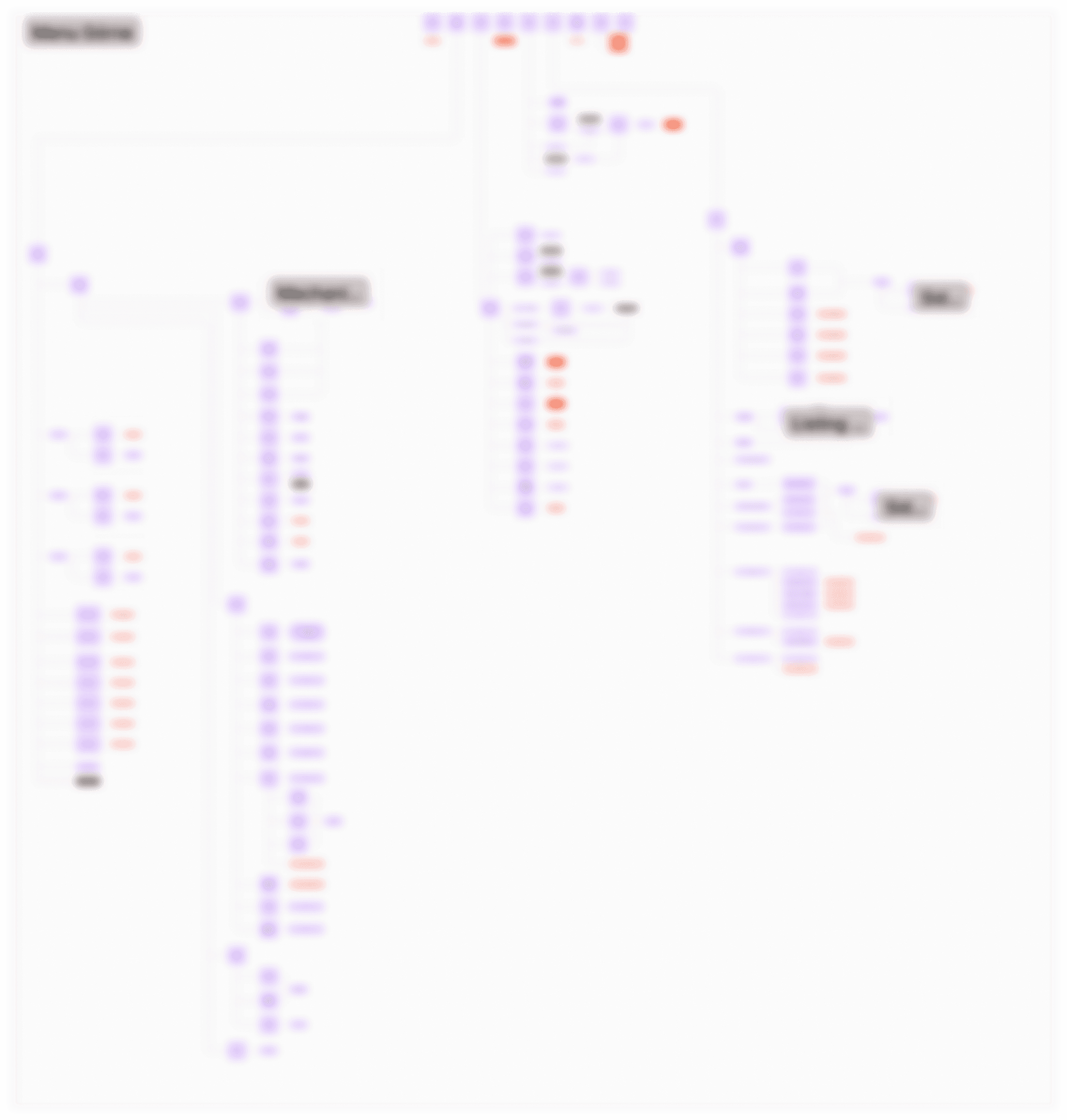
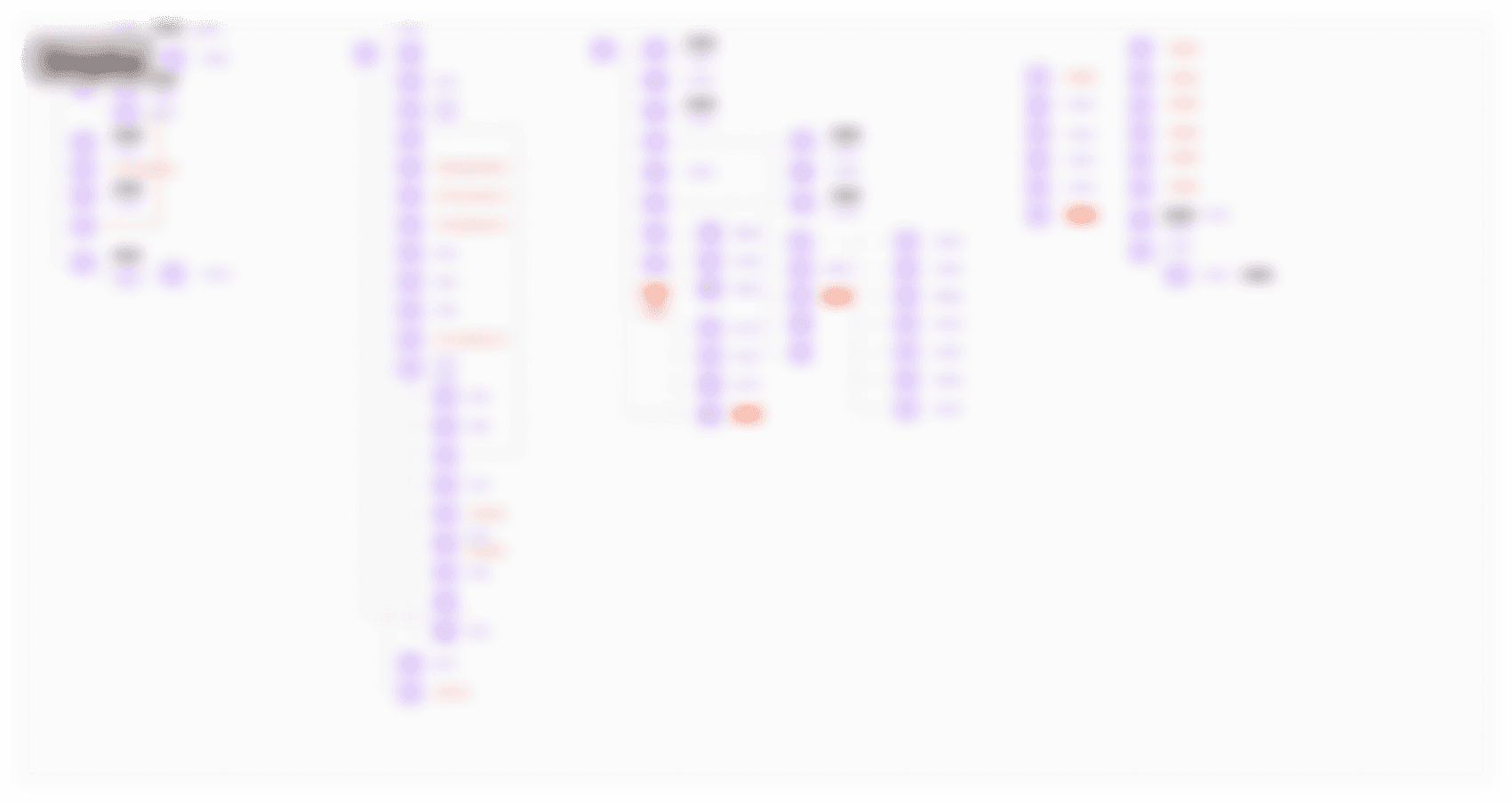
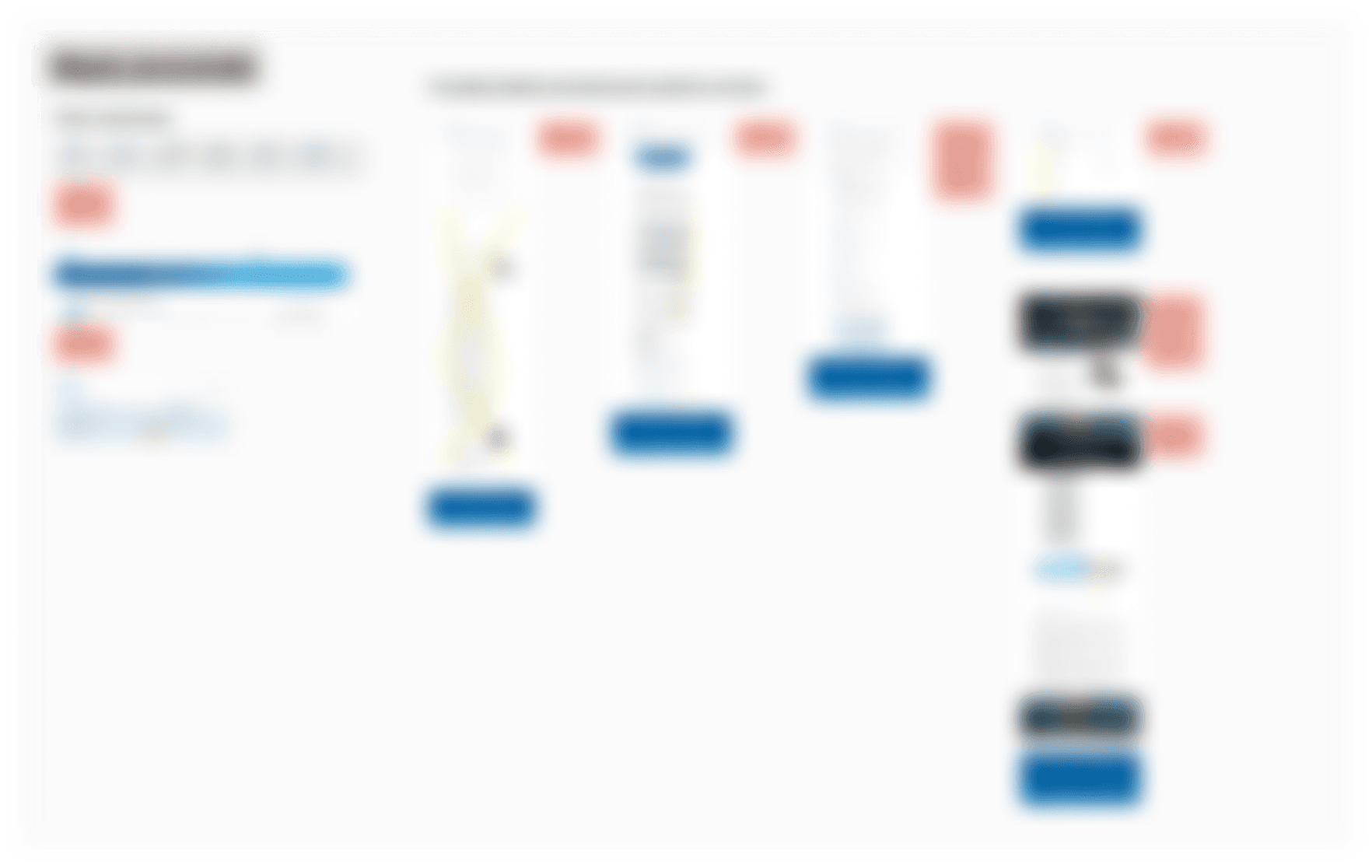
    • The diagram presents the structure of the Top Menu, which consists of 9 elements. The documentation includes thematic sections, the login function, and language selection, showing how these categories branch out into further subpages and sections.

    • Analysis of all paths and errors On the diagram, I mapped every possible path a user can take starting from the Top Menu. This allowed me to pinpoint specific places where navigation errors or illogical connections occur, which make the service difficult to use.

A blurred placeholder for a confidential Information Architecture project for GPW, featuring a lock icon and a notice stating that details are hidden due to a Non-Disclosure Agreement (NDA).

INFORMATION ARCHITECTURE

Confidential - GPW Project

Details hidden due Non - Disclosure Agreement (NDA)

  1. 2

    Menu

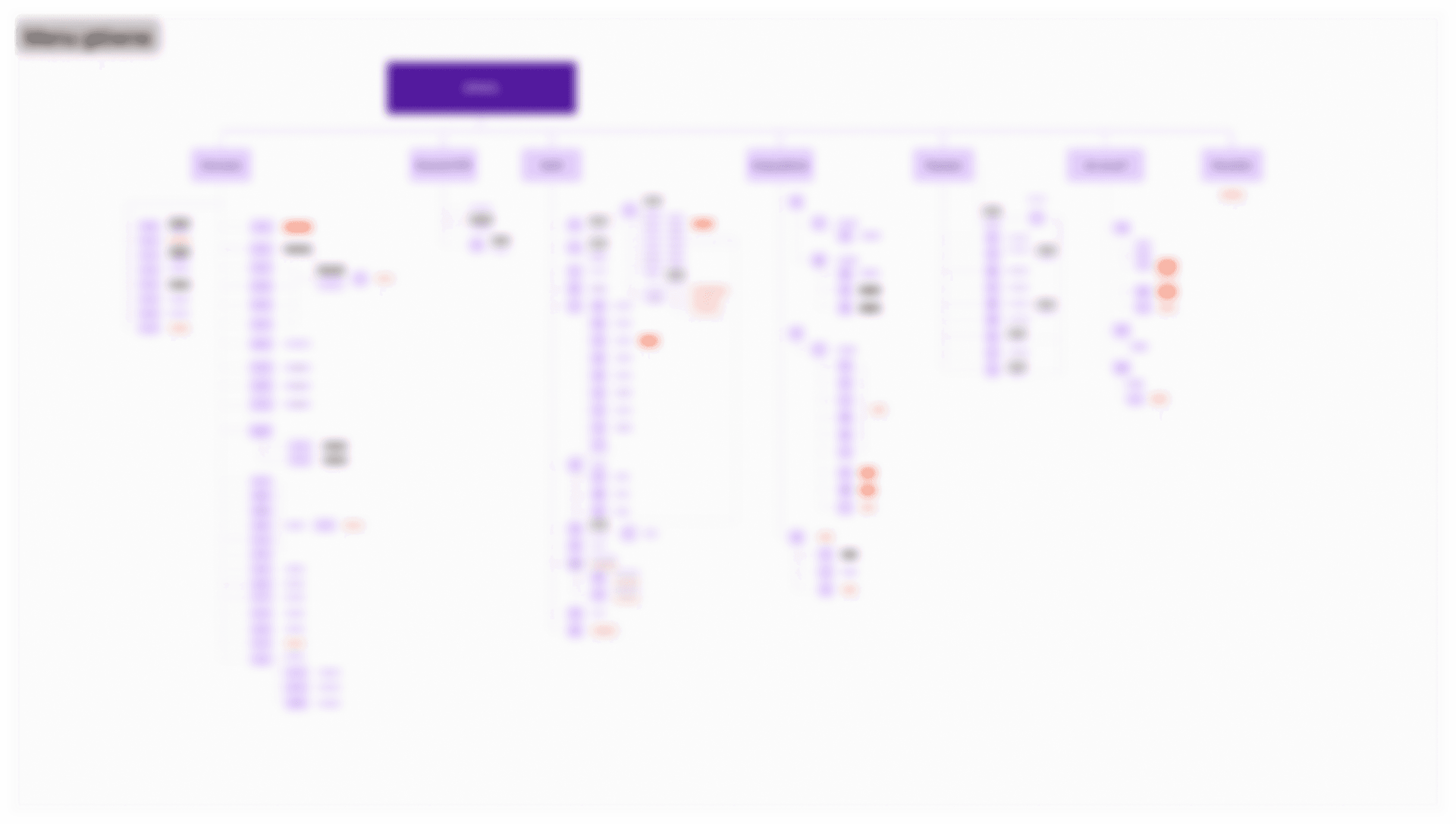
    • The main menu has 7 big sections, like Market Data and Statistics. Each of these sections is like a door to a huge system of smaller pages and financial data.

    • During mapping, I detected numerous logic errors: some sections led to external links without warning, while others were "dead ends" that didn't lead to any specific content. Highlighting these gaps was key to understanding the navigation problems within the service.

  1. 3

    Main Page

    • On the diagram, I detailed the middle part of the page (Main Content). I showed how the content is divided into specific modules, such as statistics, news, or reports, and how these blocks direct the user to detailed data.

    • I mapped all the paths leading from the main part of the page. I demonstrated that many modules and banners lead directly to external services or tools, which often interrupts the flow of browsing the main portal.

4

Footer & Site Connections (Crosslinks)

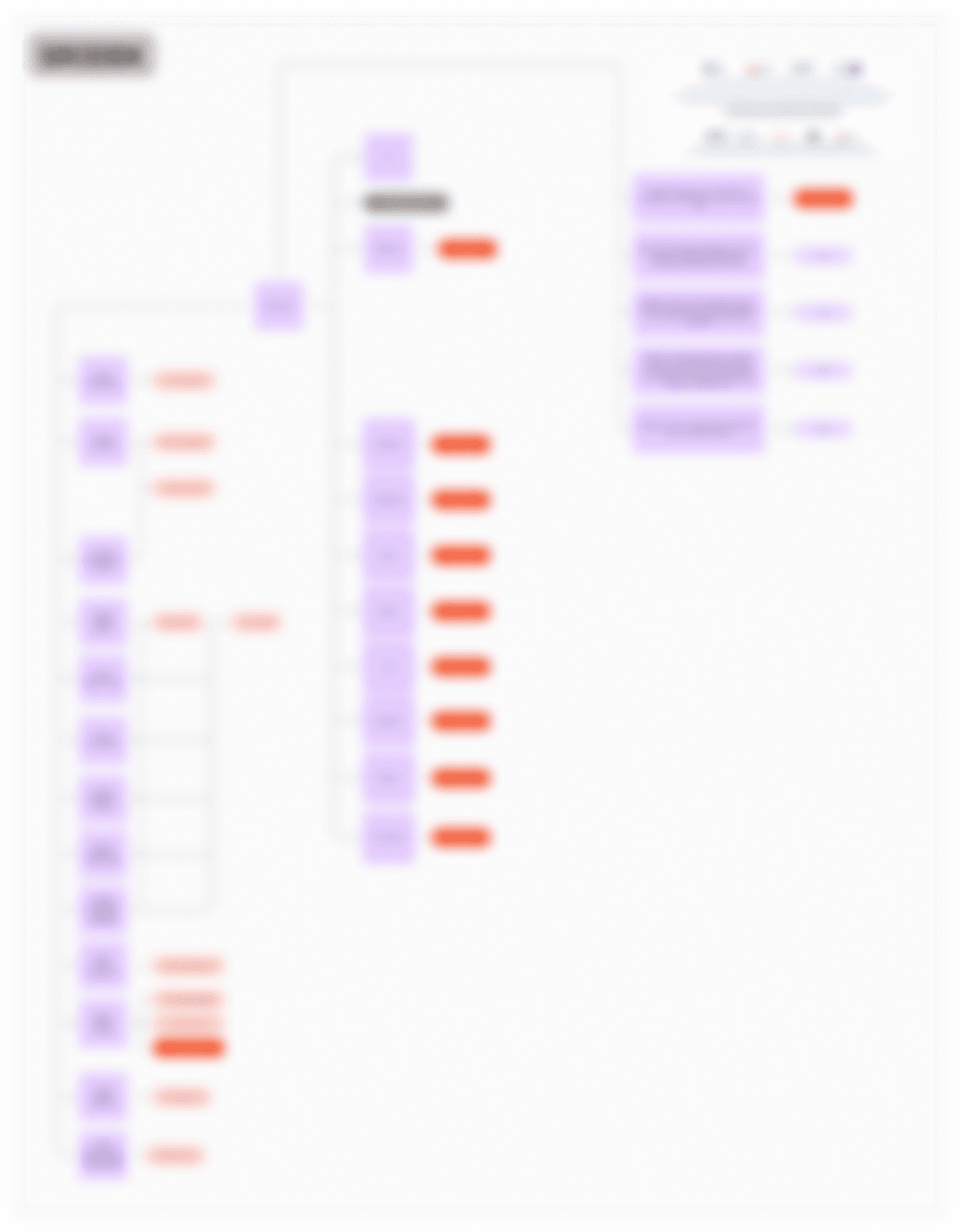
  • Analysis of footer content and links I checked everything in the footer and showed how it connects to the rest of the site. Many links here are "crosslinks" that point back to the same sections the user already saw in the Top Menu, creating a repetitive loop.

  • Identifying repeated errors and unnecessary links I noticed that many elements in the footer are repeated for no reason. I pointed out where the footer duplicates errors from the main navigation or leads to empty pages, showing why the site's structure feels cluttered and confusing.

STEP 2

Key Audit Findings

  1. 1

    Audit Methodology

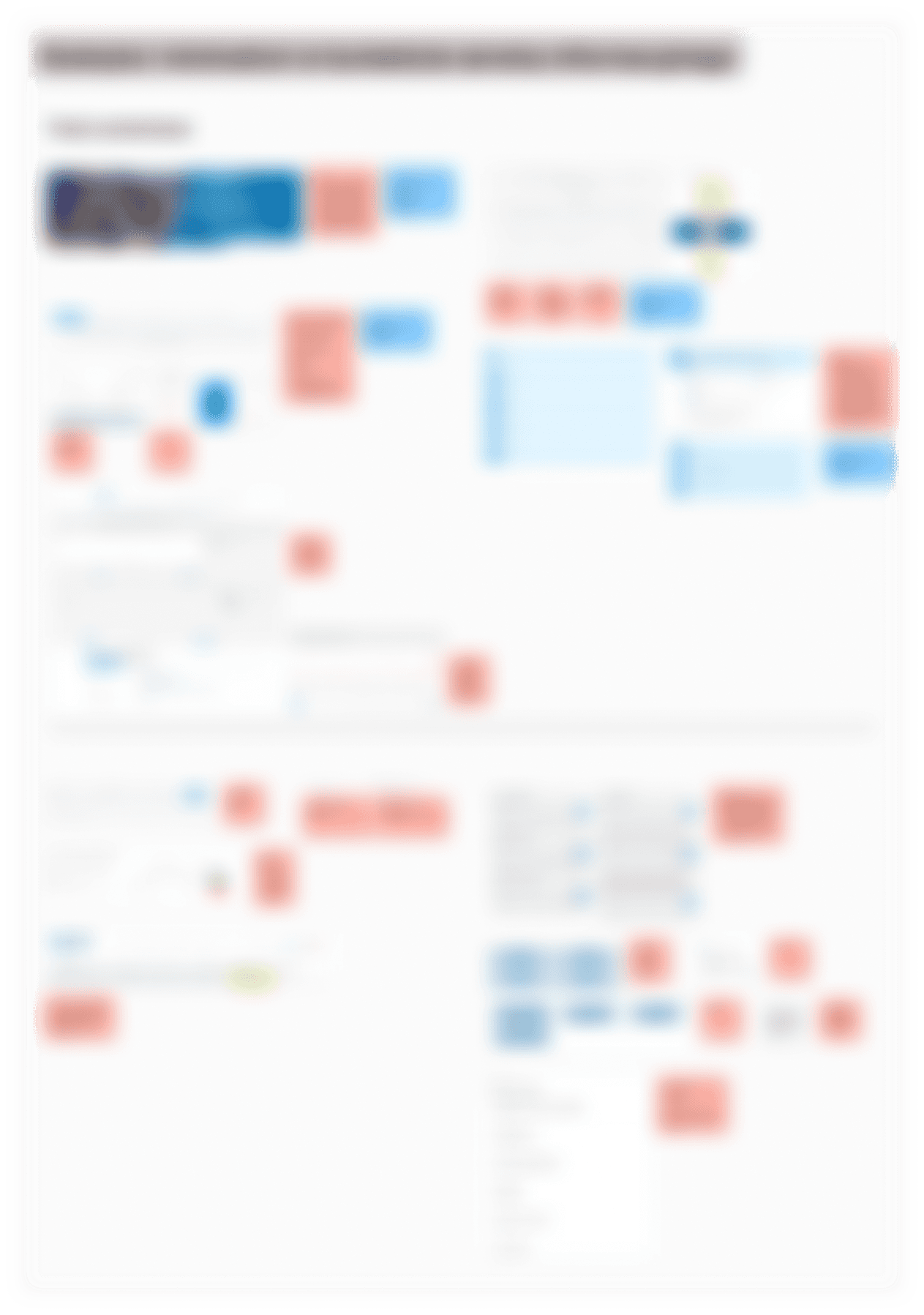
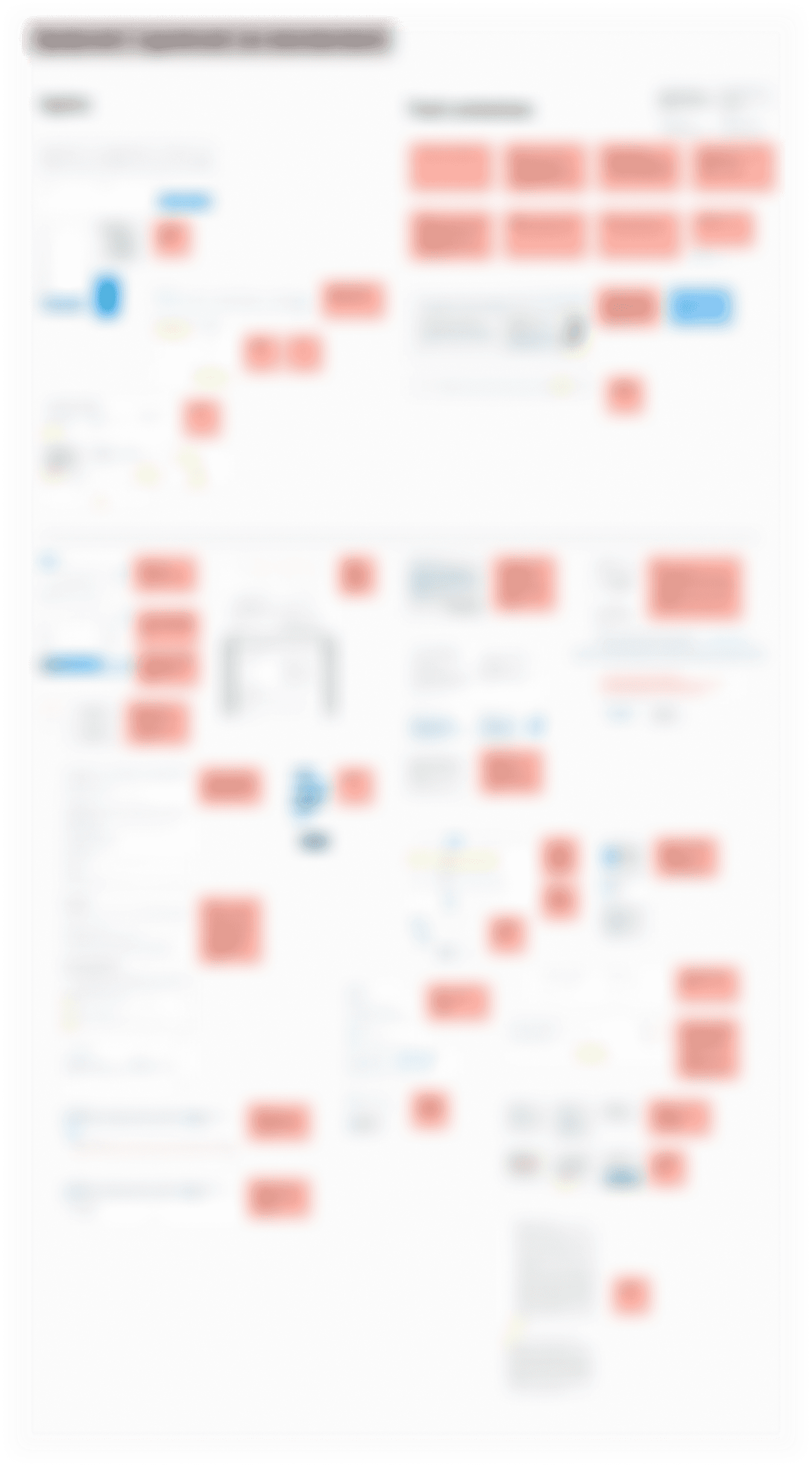
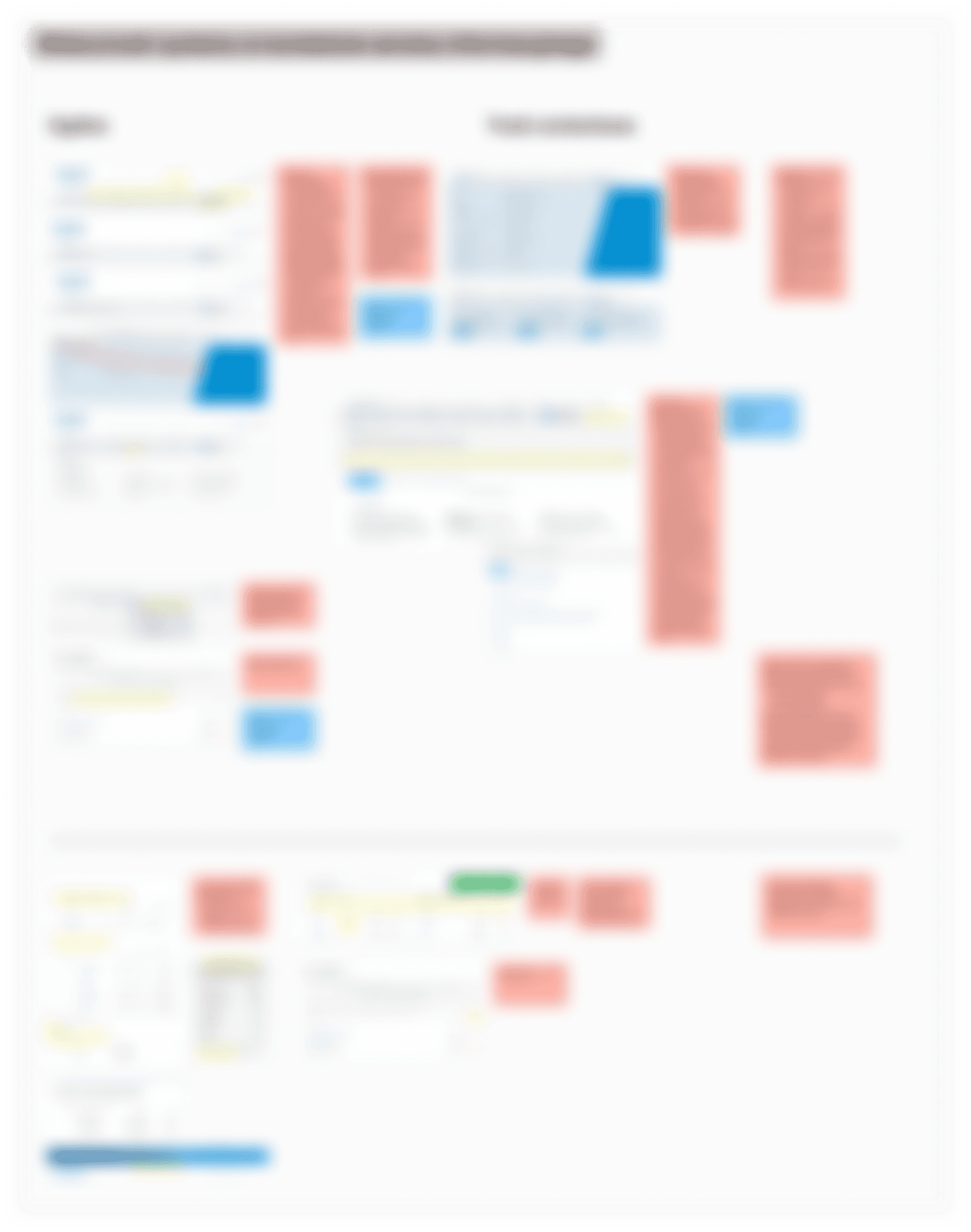
    • I conducted an expert analysis by mapping errors directly onto the interface in FigJam. Each issue was marked with a color-coded note, allowing for a thorough assessment of the service's usability.

  1. 2

    System Visibility & Navigation

    • User path analysis revealed logical gaps in the information service, pinpointing where navigation misleads investors.

  1. 3

    Consistency & Standards

    • I identified significant inconsistencies in UI components (like footers and menus), which hindered intuitive use of the platform.

  1. 4

    Aesthetics & Minimalism

    • Data presentations (charts, tables, calendars) cause information overload and require significant simplification.

  1. 5

    Content & UI Errors

    • I mapped specific subpages with hierarchy and search errors, negatively impacting the overall user perception.

Website 01 of 08

GPW - Audit & IA

GPW is a large financial system with complex data layers. My goal was to show the client where navigation fails by mapping every nested page in FigJam. This audit highlights critical usability errors and structural confusion.

Main Objectives

  • To demonstrate to the client the critical flaws in the current information architecture and the outdated, counter-intuitive navigation patterns across the GPW ecosystem.

  • To provide a detailed visual audit of usability errors and friction points that disrupt the user journey and decrease the overall efficiency of the portal.

My Role

UX/UI Designer

As a UX Designer, I was responsible for mapping the information architecture and conducting a comprehensive structural audit for the GPW Group. My focus was on analyzing existing ecosystems across 8 portals to identify inconsistencies and ensure a scalable foundation for future enhancements.

My Team

GPW

Working in a two-person design unit, I collaborated with a Senior Designer to evaluate complex data structures. I took full ownership of auditing specific segments, ensuring that our combined findings provided a holistic view of the GPW digital landscape.

STEP 1

Information Architecture

  1. 1

  2. Top Menu

    • The diagram presents the structure of the Top Menu, which consists of 9 elements. The documentation includes thematic sections, the login function, and language selection, showing how these categories branch out into further subpages and sections.

    • Analysis of all paths and errors On the diagram, I mapped every possible path a user can take starting from the Top Menu. This allowed me to pinpoint specific places where navigation errors or illogical connections occur, which make the service difficult to use.

NDA Protected Project: GPW Information Architecture

lock

INFORMATION ARCHITECTURE

Confidential - GPW Project

Details hidden due Non - Disclosure Agreement (NDA)

  1. 2

  2. Menu

    • The main menu has 7 big sections, like Market Data and Statistics. Each of these sections is like a door to a huge system of smaller pages and financial data.

    • During mapping, I detected numerous logic errors: some sections led to external links without warning, while others were "dead ends" that didn't lead to any specific content. Highlighting these gaps was key to understanding the navigation problems within the service.

  1. 3

  2. Main Page

    • On the diagram, I detailed the middle part of the page (Main Content). I showed how the content is divided into specific modules, such as statistics, news, or reports, and how these blocks direct the user to detailed data.

    • I mapped all the paths leading from the main part of the page. I demonstrated that many modules and banners lead directly to external services or tools, which often interrupts the flow of browsing the main portal.

  1. 4

  2. Footer & Site Connections (Crosslinks)

    • Analysis of footer content and links I checked everything in the footer and showed how it connects to the rest of the site. Many links here are "crosslinks" that point back to the same sections the user already saw in the Top Menu, creating a repetitive loop.

    • Identifying repeated errors and unnecessary links I noticed that many elements in the footer are repeated for no reason. I pointed out where the footer duplicates errors from the main navigation or leads to empty pages, showing why the site's structure feels cluttered and confusing.

Confidential - GPW Project

lock

STEP 2

Key Audit Findings

  1. 1

    Audit Methodology

    • I conducted an expert analysis by mapping errors directly onto the interface in FigJam. Each issue was marked with a color-coded note, allowing for a thorough assessment of the service's usability.

  2. 2

    System Visibility & Navigation

    • User path analysis revealed logical gaps in the information service, pinpointing where navigation misleads investors.

  1. 3

    Consistency & Standards

    • I identified significant inconsistencies in UI components (like footers and menus), which hindered intuitive use of the platform.

  2. 4

    Aesthetics & Minimalism

    • Data presentations (charts, tables, calendars) cause information overload and require significant simplification.

  1. 5

  2. Content & UI Errors

    • I mapped specific subpages with hierarchy and search errors, negatively impacting the overall user perception.

Website 01 of 08

GPW - Audit & IA

GPW is a large financial system with complex data layers. My goal was to show the client where navigation fails by mapping every nested page in FigJam. This audit highlights critical usability errors and structural confusion.

Main Objectives

  • To demonstrate to the client the critical flaws in the current information architecture and the outdated, counter-intuitive navigation patterns across the GPW ecosystem.

  • To provide a detailed visual audit of usability errors and friction points that disrupt the user journey and decrease the overall efficiency of the portal.

My Role

UX/UI Designer

As a UX Designer, I was responsible for mapping the information architecture and conducting a comprehensive structural audit for the GPW Group. My focus was on analyzing existing ecosystems across 8 portals to identify inconsistencies and ensure a scalable foundation for future enhancements.

My Team

GPW

Working in a two-person design unit, I collaborated with a Senior Designer to evaluate complex data structures. I took full ownership of auditing specific segments, ensuring that our combined findings provided a holistic view of the GPW digital landscape.

STEP 1

Information Architecture

  1. 1

  2. Top Menu

    • The diagram presents the structure of the Top Menu, which consists of 9 elements. The documentation includes thematic sections, the login function, and language selection, showing how these categories branch out into further subpages and sections.

    • Analysis of all paths and errors On the diagram, I mapped every possible path a user can take starting from the Top Menu. This allowed me to pinpoint specific places where navigation errors or illogical connections occur, which make the service difficult to use.

NDA Protected Project: GPW Information Architecture

lock

INFORMATION ARCHITECTURE

Confidential - GPW Project

Details hidden due Non - Disclosure Agreement (NDA)

  1. 2

  2. Menu

    • The main menu has 7 big sections, like Market Data and Statistics. Each of these sections is like a door to a huge system of smaller pages and financial data.

    • During mapping, I detected numerous logic errors: some sections led to external links without warning, while others were "dead ends" that didn't lead to any specific content. Highlighting these gaps was key to understanding the navigation problems within the service.

  1. 3

  2. Main Page

    • On the diagram, I detailed the middle part of the page (Main Content). I showed how the content is divided into specific modules, such as statistics, news, or reports, and how these blocks direct the user to detailed data.

    • I mapped all the paths leading from the main part of the page. I demonstrated that many modules and banners lead directly to external services or tools, which often interrupts the flow of browsing the main portal.

  1. 4

  2. Footer & Site Connections (Crosslinks)

    • Analysis of footer content and links I checked everything in the footer and showed how it connects to the rest of the site. Many links here are "crosslinks" that point back to the same sections the user already saw in the Top Menu, creating a repetitive loop.

    • Identifying repeated errors and unnecessary links I noticed that many elements in the footer are repeated for no reason. I pointed out where the footer duplicates errors from the main navigation or leads to empty pages, showing why the site's structure feels cluttered and confusing.

Confidential - GPW Project

lock

STEP 2

Key Audit Findings

  1. 1

    Audit Methodology

    • I conducted an expert analysis by mapping errors directly onto the interface in FigJam. Each issue was marked with a color-coded note, allowing for a thorough assessment of the service's usability.

  2. 2

    System Visibility & Navigation

    • User path analysis revealed logical gaps in the information service, pinpointing where navigation misleads investors.

  1. 3

    Consistency & Standards

    • I identified significant inconsistencies in UI components (like footers and menus), which hindered intuitive use of the platform.

  2. 4

    Aesthetics & Minimalism

    • Data presentations (charts, tables, calendars) cause information overload and require significant simplification.

  1. 5

  2. Content & UI Errors

    • I mapped specific subpages with hierarchy and search errors, negatively impacting the overall user perception.